Track your prop firm finances & performance from a unified dashboard
One dashboard to track finances, monitor progress, and stay on top of every prop firm account.
.avif)





Most prop firm traders can’t answer this.
Evals, resets, activation fees, payouts — scattered across firms, cards, and forgotten receipts.
Add it up and most traders are shocked by the real number.
One System. Complete Clarity.
Stop bouncing between firm dashboards, emails, bank transactions, spreadsheets, and screenshots. PropFirm Sync puts everything in one place.
.svg)
Auto-Track Your Spending
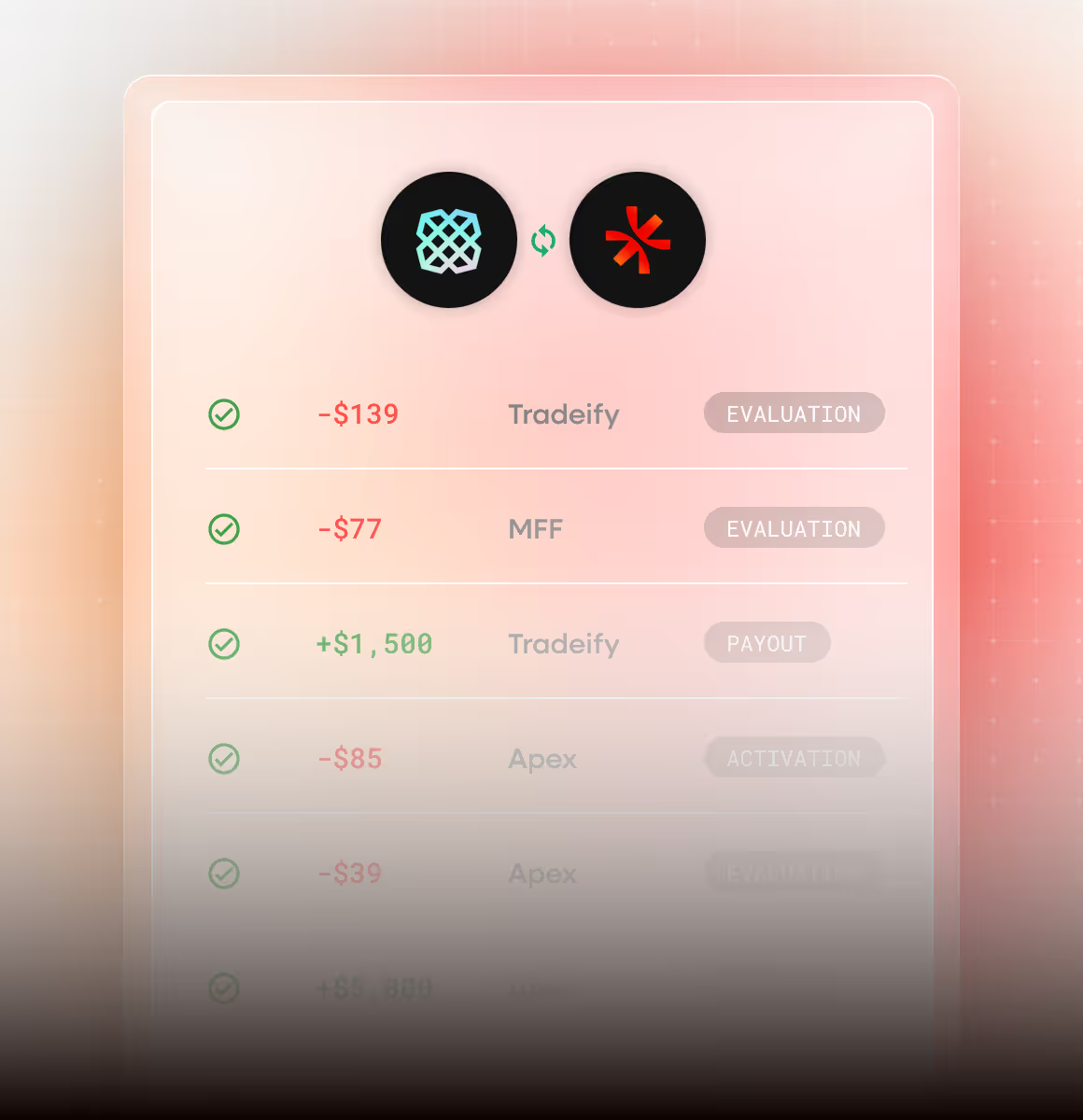
Create accounts, log expenses, and track payouts manually. Or connect your bank with Plaid and let us do the heavy lifting—automatically fetch transactions, log expenses, log payouts, and create accounts for you.
.avif)
.svg)
Know Exactly Where Your Money Goes
Track every dollar spent on evaluations, activation fees, and resets. See your total spending broken down so you know exactly where your money goes.
.svg)
Learn From Your Data.
Understand Your Performance.
See why accounts fail and where to focus your capital.

.svg)
Loss Limits
.svg)
Capital
.svg)
.svg)
.svg)
Your Path to Payout, Visualized
See your balance over time, monitor rule compliance, and track exactly how close you are to hitting your target.
.avif)
.avif)
.svg)
Know your odds before you buy
Simulate strategies against different challenge rules. See your probability of passing before you spend a dime on evaluations.
Your Finances + Your Trades, Finally Together
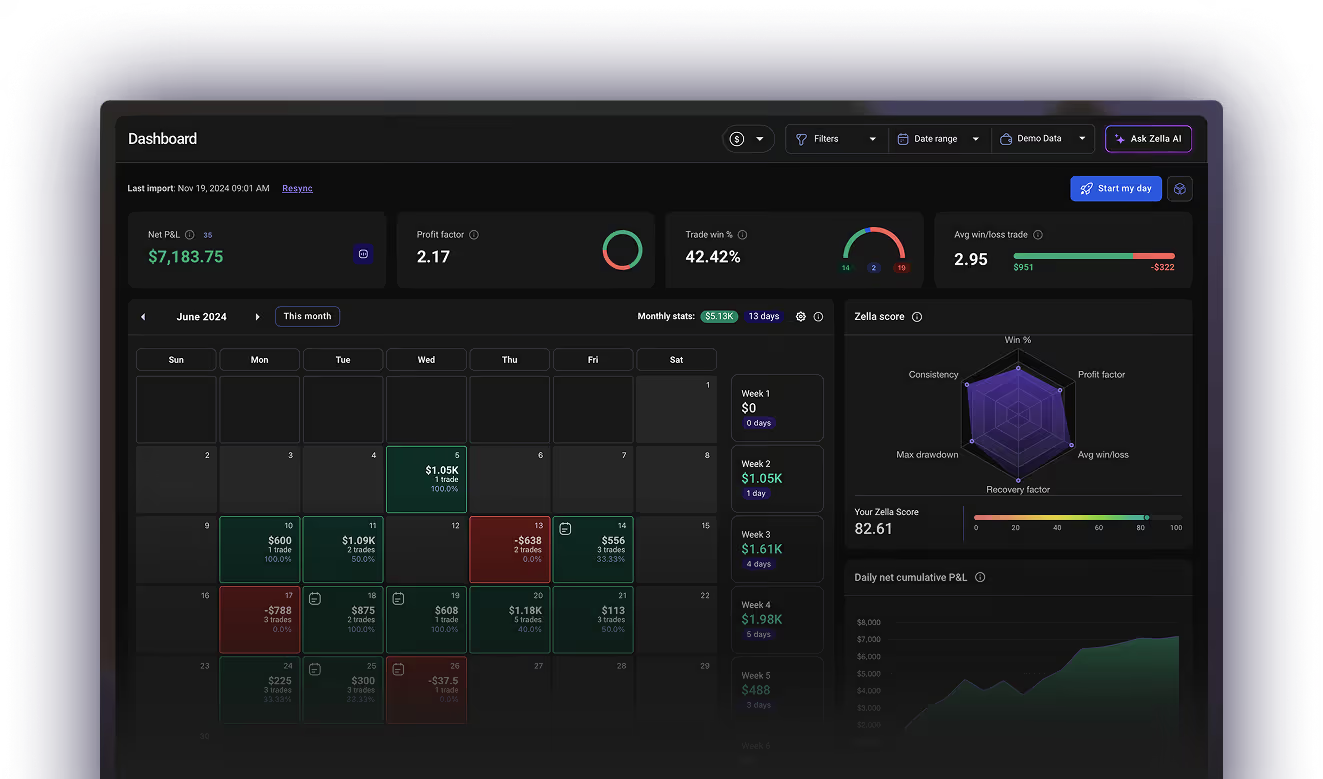

Your real P&L in 3 steps

Connect your bank via Plaid
.svg)
We scan and categorize everything
.svg)
See your real P&L across every firm
Finally know your real numbers.
Every account, every dollar spent, and every payout earned — tracked effortlessly.
Your questions, answered
Everything you need to know about PropFirm Sync.
Can't find an answer? Chat with our team.
PropFirm Sync is a free dashboard built into TradeZella that centralizes all your prop firm accounts in one place. It tracks your finances, monitors your trading rules, analyzes why accounts fail, and gives you guidance — so you always know exactly where you stand and what to do next.
Yes. Completely free for all TradeZella users. No add-ons, no paywalls.
PropFirm Sync works with all major prop firms including TopStep, Apex, Tradeify, and more. If you trade it, you can track it.
Connect your bank or credit card via Plaid and PropFirmSync scans your transaction history, identifies prop firm payments and payouts, and auto-categorizes everything. Your full financial picture — built for you, not by you.
Yes. PropFirm Sync has a fully manual entry mode where you log your accounts, fees, resets, and payouts yourself. Same insights, your terms.
PropFirm Sync tracks and categorizes your failure reasons — rule violations, revenge trading episodes, news event blowups, and more. Over time it surfaces patterns in your data, like "67% of your failures come from overtrading," so you can fix the right problem instead of guessing.
Every active evaluation shows real-time distance to profit target, drawdown levels, and trading days remaining — with visual indicators so you can see at a glance which accounts need attention before it's too late.
Spreadsheets and Notion are manual — every expense, payout, and calculation depends on you entering data correctly and consistently. PropFirm Sync connects to your bank via Plaid and does it automatically: expense detection, categorization, net P&L, failure analysis, and AI coaching. See the full breakdown in our PropFirm Sync vs. Spreadsheets and PropFirm Sync vs. Notion comparisons.