TRADE REPLAY

Find Your Execution Mistakes Before They Repeat

Trade Replay lets you slow down critical moments, spot execution errors, and finally see what actually happened.

Trade Replay is a feature inside TradeZella that lets you replay any trade you’ve taken using real tick-by-tick data from your journal — so you can see exactly what happened, when, and why.
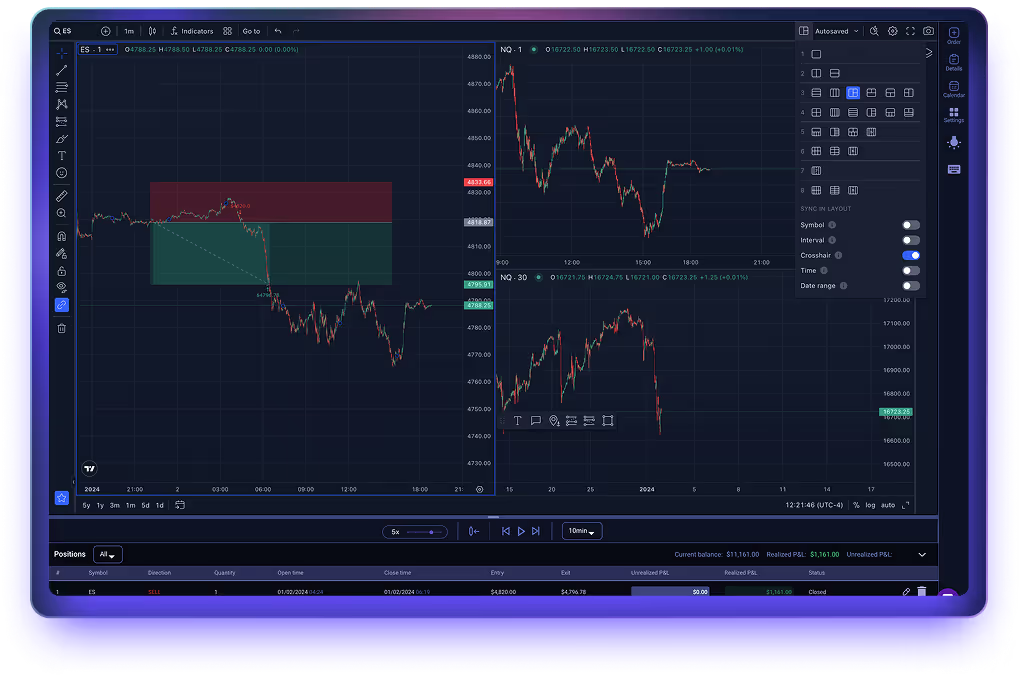
TradeZella Trade Replay interface showing tick-by-tick trade playback
THE PROBLEM

Live trading moves too fast

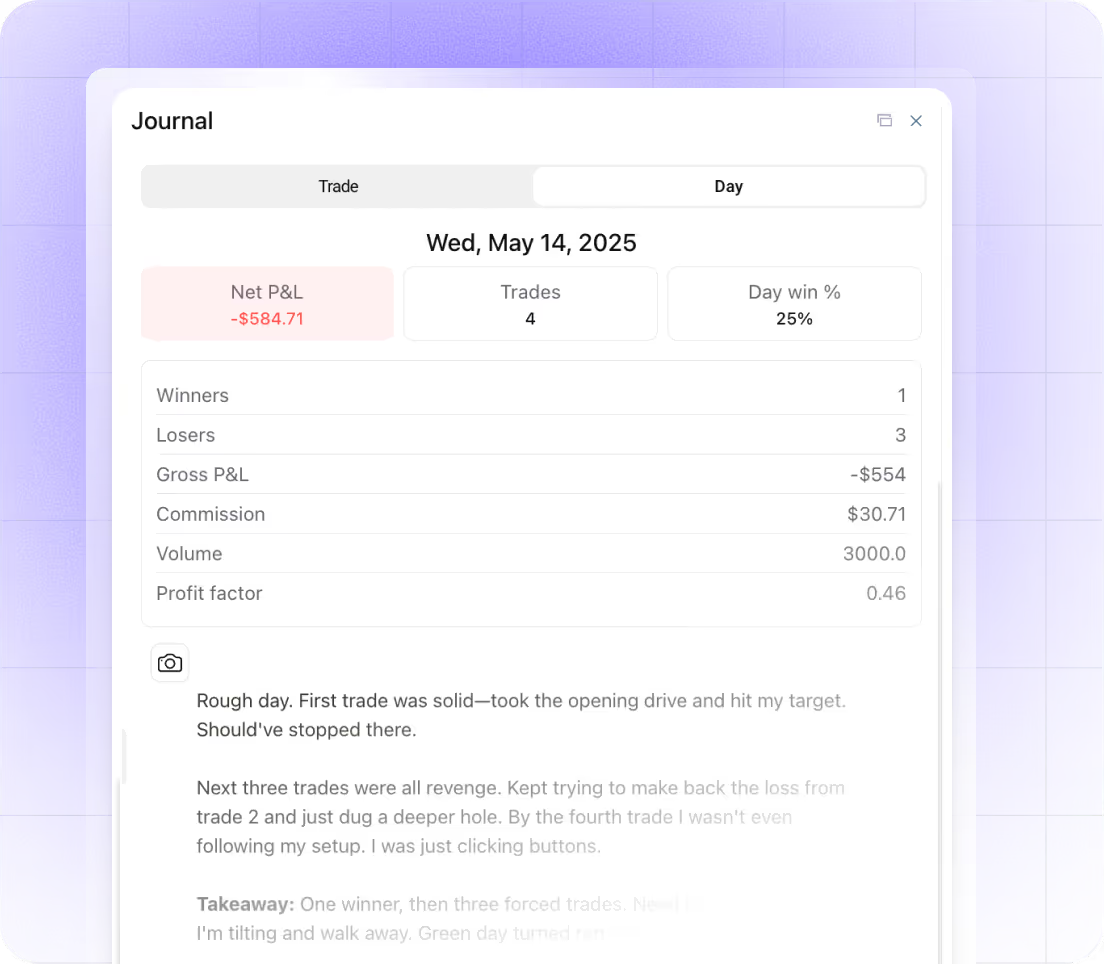
In the heat of the moment, you miss context. You rush decisions. By the time you realize what happened, the trade is over, and you're left wondering what you could have done differently.

You can't remember the exact context

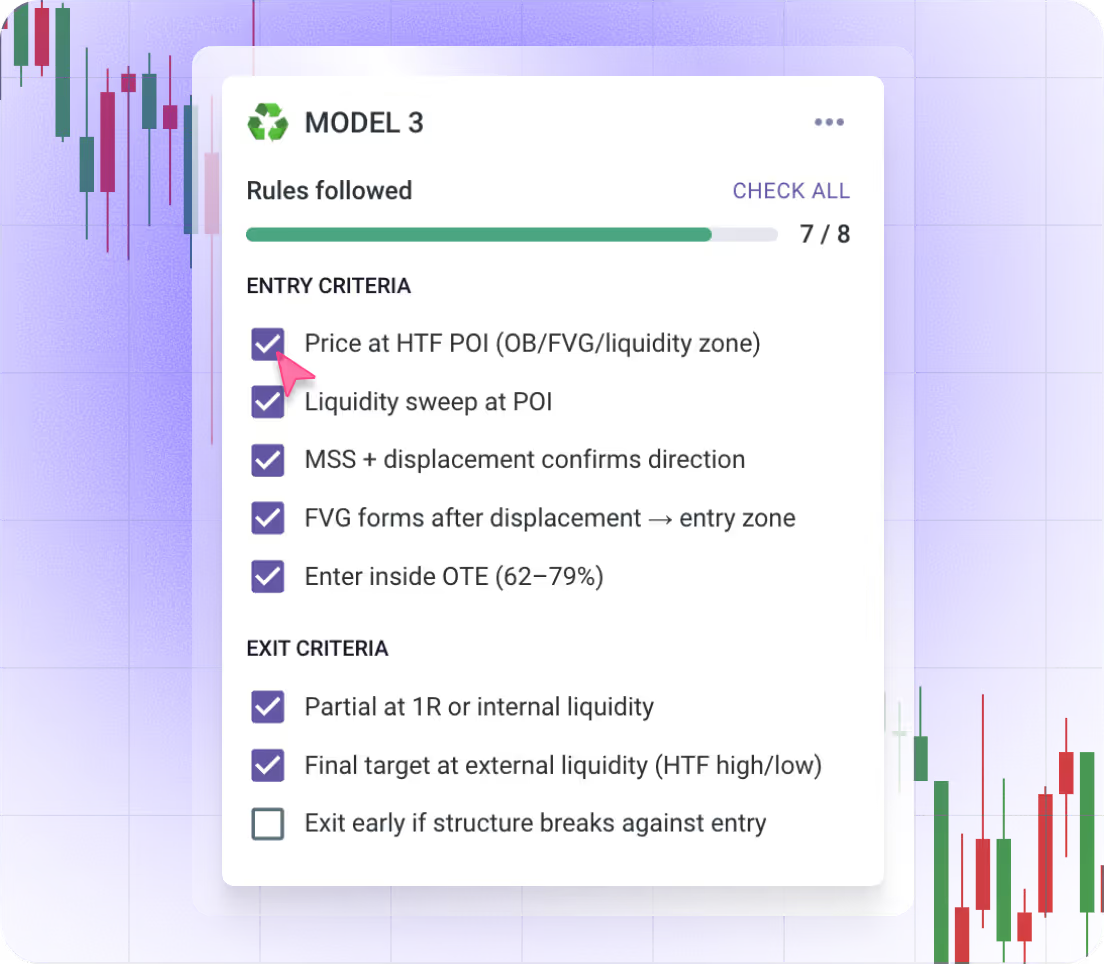
Was the structure clean? Did you follow your rules? The chart looks different now than it did when you were down $300 and panicking.

Emotions cloud your judgment in real-time

You feel fear, FOMO, and revenge during the trade—but can't analyze how they affected your decisions until the damage is done.

Missed setups you saw but didn't take

You're focused on execution, not recognition. That setup you missed? You were too busy managing the trade to see it.
NAVIGATION & REVIEW EXECUTION

Rewind, Replay, and Analyze Every Detail

Control time. Jump to any moment. Step through your trades candle-by-candle until you find exactly where things went right—or wrong.

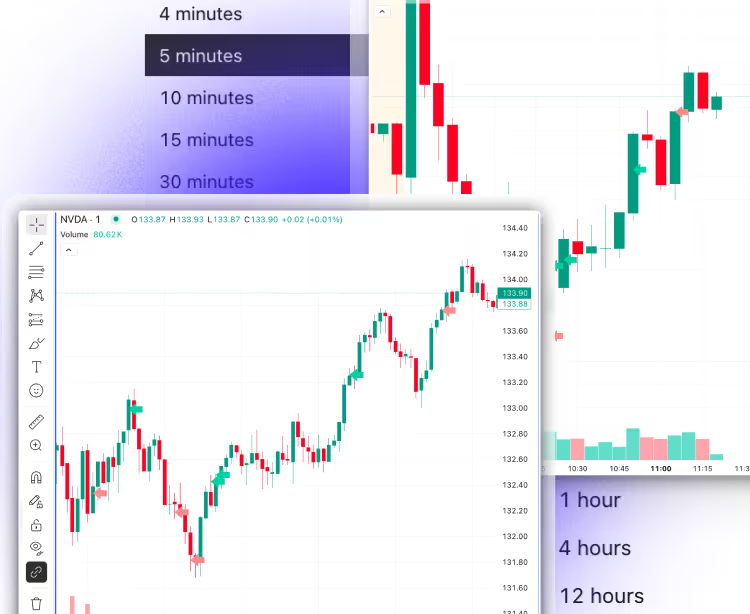
Replay Second-by-Second

Relive any trade exactly as it happened, candle by candle, second by second, or any interval of your choice.
TradeZella Trade Replay feature — second-by-second candle playback

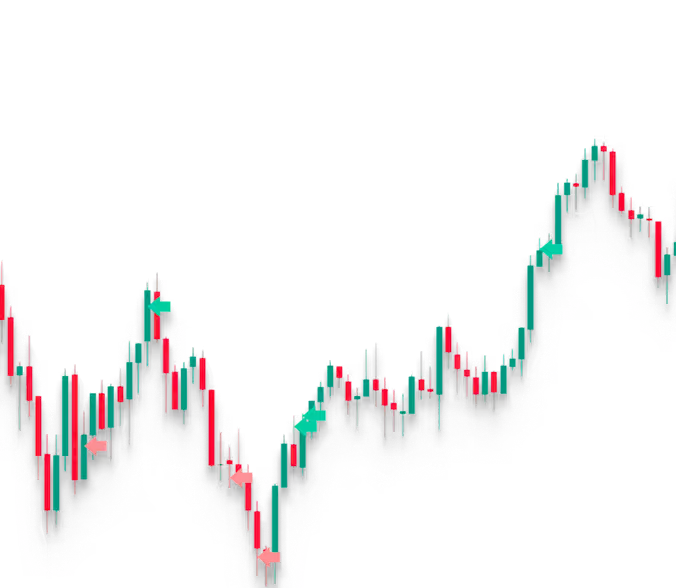
See Your Entries and Exits

Green and red markers clearly show your executions on the chart.
Trade Replay chart view with green entry and red exit markers
TradeZella Trade Replay feature — replay speed controls

Set Your Replay Speed

Speed up through noise or slow down through critical price action. You control the pace.

Review Multiple Timeframes

See how higher timeframe context influenced your lower timeframe entries.
Multiple timeframe view in TradeZella Trade Replay

Jump to Any Execution

Click any entry, exit, or scale to jump directly to that exact moment.
TradeZella Trade Replay feature — jump to any execution point

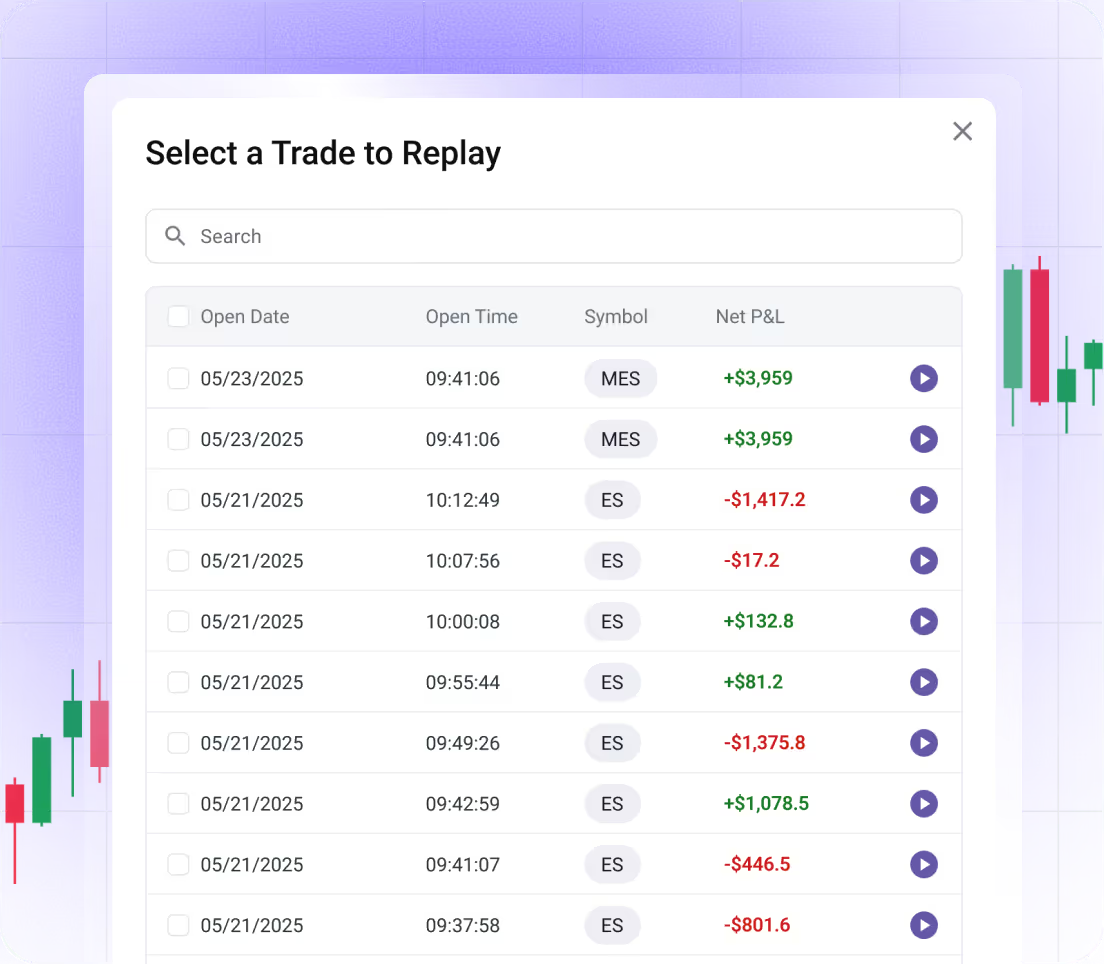
Replay What Matters

Choose exactly which trades to include in your session.
UNDERSTANDING THE DIFFERENCE

Trade Replay vs. Backtesting

Both are valuable. But they serve different purposes. Here's what makes Trade Replay unique and why you need both to improve systematically.

BACKTESTING
Historical data
Test strategies on past market data you may or may not have traded
Strategy validation
Prove if your strategy has statistical edge before risking real capital
Hypothetical testing
See what would have happened if you took different trades on the same conditions
Build conviction
Gain confidence in setups by seeing them work historically
Perfect for strategy development
Test new ideas before putting real money on the line
TRADE REPLAY
Your actual trades
Reviewing trades you actually took with your real capital & emotions
Learn from reality
See what you did wrong, what you did right, and what you missed
Execution review
Analyze your entry timing, exit decisions, and emotional state
Build self-awareness
Understand your patterns, biases, and psychological triggers based on real trades taken
Perfect for post-session review
Daily or weekly review of your actual trading performance

All in One Place

No more switching between TradingView, spreadsheets, and your journal. Everything happens in one workflow.

Review Your Day in Minutes

Efficient playback means you can replay, tag, and journal your full session in 15–20 minutes.

Data That Compounds

Every tag and note feeds into your reports. The more you review, the smarter your analytics get.
Multi-account prop firm tracking icon

Build a Habit That Sticks

Consistent review turns losses into lessons—and lessons into long-term improvement.

Trusted by 50,000+ traders across futures, stocks, options, and forex.

Got questions?

What is Trade Replay?

Trade Replay is a feature inside TradeZella that replays your actual executed trades using real tick-by-tick price data from your journal. You can watch any trade unfold candle by candle, review your entries and exits, and analyze your decision-making after the session.

What's the difference between Trade Replay and backtesting?

Backtesting tests a strategy on historical data you may never have traded. Trade Replay reviews trades you actually took — with your real capital and real emotions — so you can learn directly from what happened in your sessions.

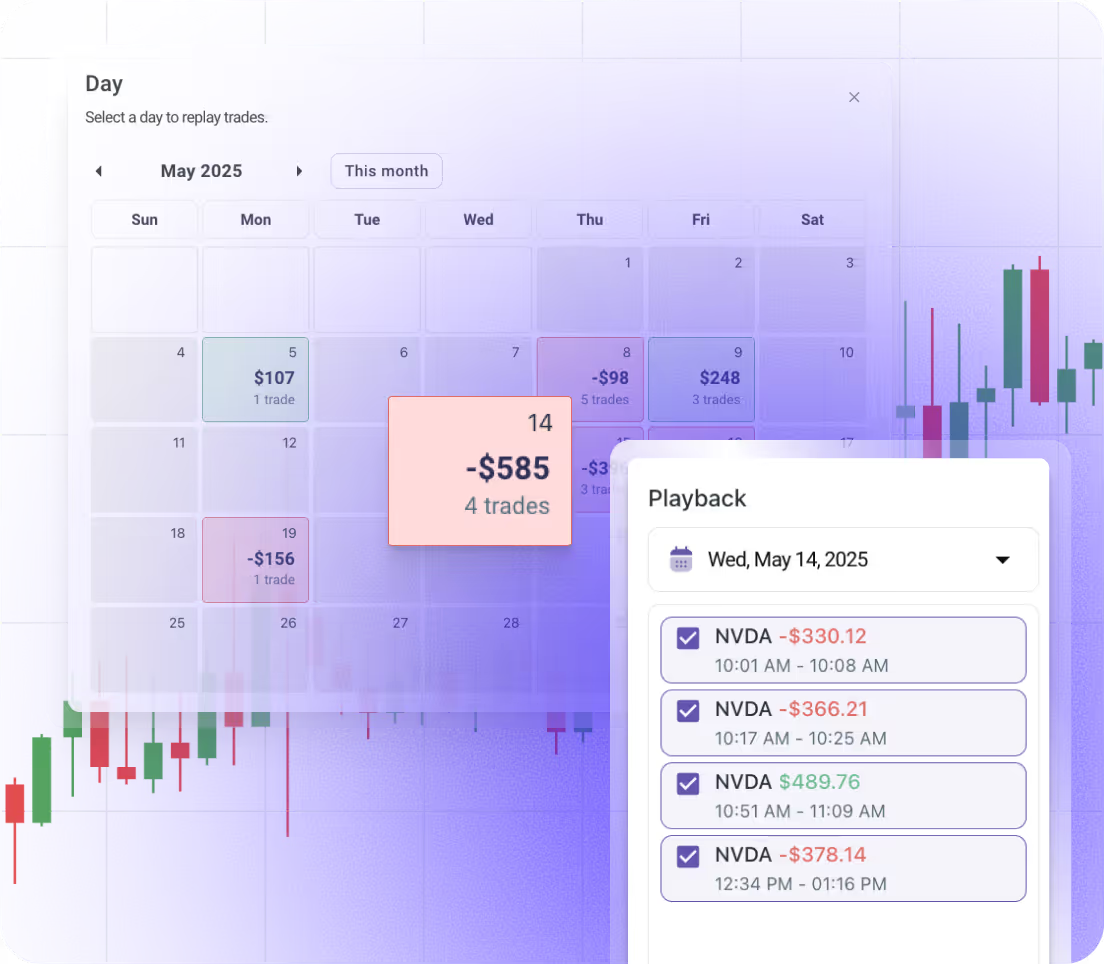
Can I replay my entire trading day or just individual trades?

Both. Trade Replay lets you review individual trades tick-by-tick. Day Replay lets you replay your full trading session from open to close, so you can see how early trades and losses influenced your later decisions.

What markets does Trade Replay support?

TradeZella supports futures, stocks, options, and forex. Trade Replay works with any instrument synced from your connected broker.

Can I add notes and tag mistakes while replaying?

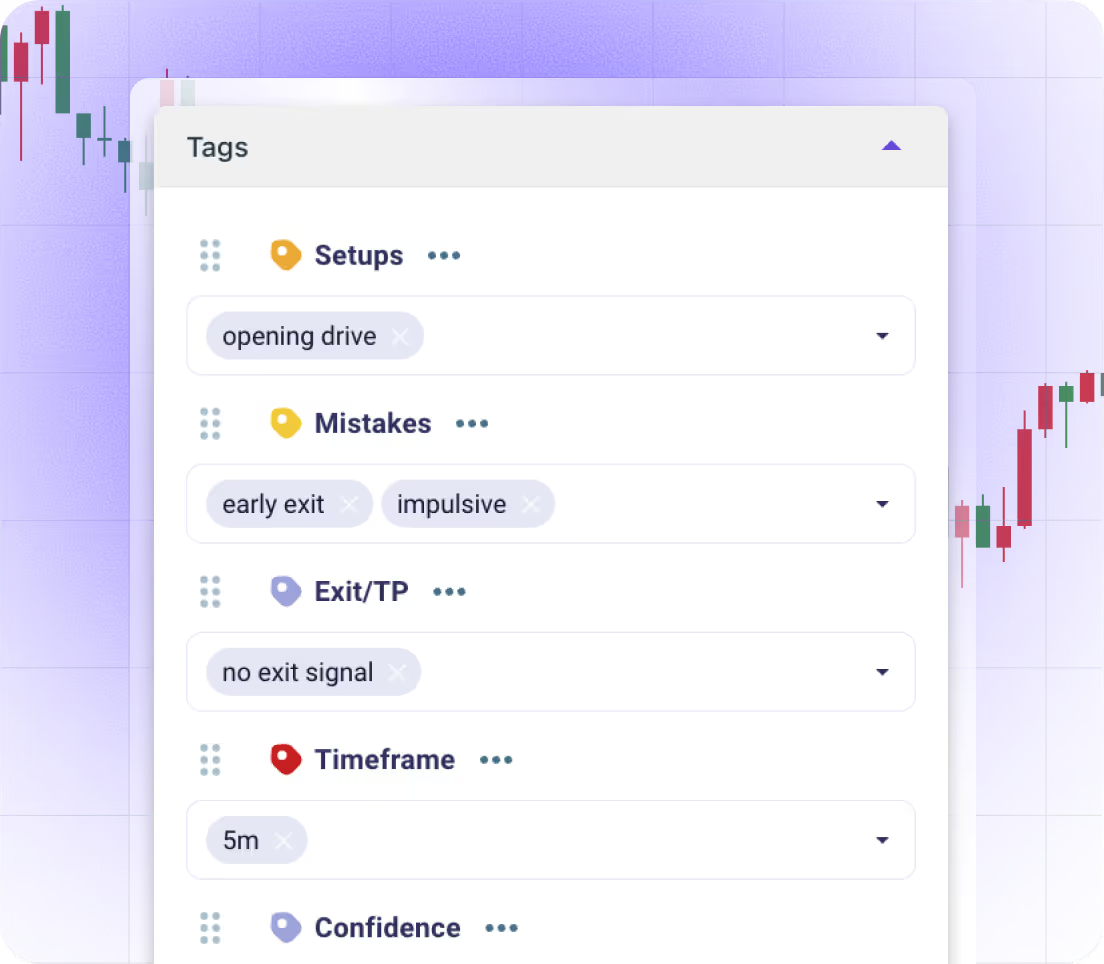
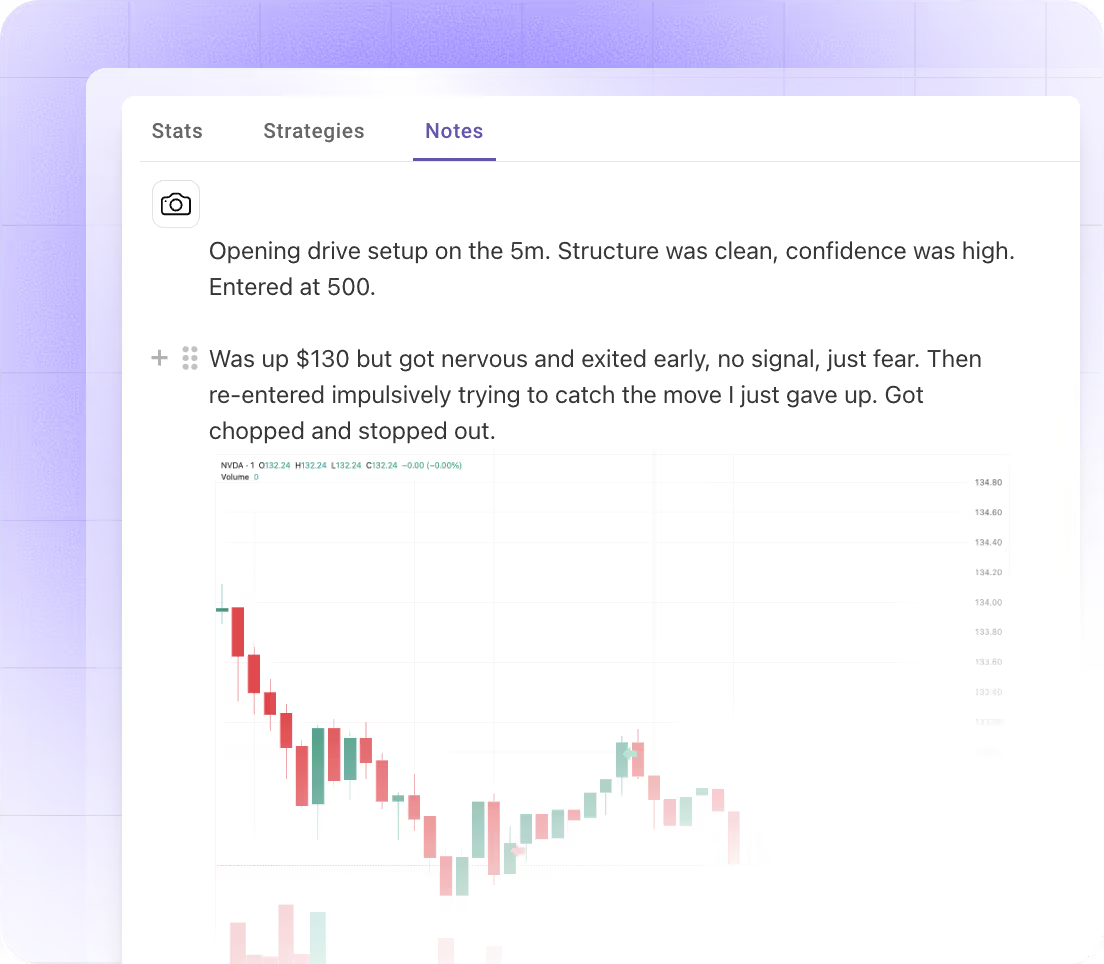
Yes. You can tag mistakes, add journal notes, and capture screenshots directly while the replay is running — without leaving the platform. Everything syncs to your reports automatically.

Can I control playback speed and jump to specific moments?

Yes. You can slow down through critical price action, speed up through noise, or click any entry, exit, or scale to jump directly to that exact moment in the trade.

More questions? Reach out to us here.

Ready to become a profitable trader?

The one tool that lets you do everything you need to improve your trading strategy.