
TradeZella is the only platform combining no-code automated backtesting, manual replay, and automatic journal logging in one place. TradingView is the world's largest charting platform — but automated backtesting requires Pine Script, and results stay inside the platform. Here's the honest breakdown.
Updated June 2026 · Tested hands-on · Both accounts created
TradeZella is the better choice if you don't code, want both automated and manual replay in one platform, or need backtest results connected to your live trading journal. It's the only platform where Zella AI automatically reviews every session without prompting.
TradingView is the better choice if you already live in its charting environment, know Pine Script (or want to learn), and want access to thousands of community-built strategies. Its free plan covers basic strategy testing with no commitment.
For backtesting specifically, TradeZella wins on ease of use and workflow. TradingView's Strategy Tester is powerful and connected to the best charting platform in the world — but it requires Pine Script for automated testing, and results stay in an isolated screen with no connection to your live trades. TradeZella requires no code for either mode, logs every result automatically, and has Zella AI reviewing sessions without prompting. If you need the charting or the community library, TradingView is worth keeping. But for backtesting as a system — rather than a one-off test — TradeZella closes the loop that TradingView leaves open.
| Feature | TradeZella | TradingView |
|---|---|---|
| Starting Price | $35/mo | Free (limited) |
| Automated Backtesting | Yes — no code required | Yes — Pine Script required |
| Manual Replay | Yes — place trades as if live, auto-logs to journal | Yes — order placement supported; no auto-journal, no AI analysis |
| Coding Required | No | Yes (Pine Script) |
| Data History | 11+ years (from Sept 2014; varies by instrument) | 20+ years (Premium plan) |
| Individual Trade Log | Yes — every trade detailed | Yes — trade list in results |
| Journal Integration | Yes — auto-logs to journal | No — results stay in TradingView |
| AI / Session Analysis | Zella AI — 4 autonomous agents | No native AI for backtesting |
| ICT Indicators Built-in | Yes — FVG, Asian Range, HTF Bias, Key Levels, Power of 3 | Community scripts only |
| Asset Classes | Stocks, Futures, Forex, Crypto | All (incl. indices, ETFs, bonds) |
| Strategy Library | Yes — select a pre-made strategy to test | Yes — thousands of community Pine Scripts |
| Free Plan | No | Yes (limited bars, no Deep Backtesting) |
| Best For | No-code backtesting + journal loop | Chart-based strategy testing with Pine Script |
Three plans — Essential, Pro, and Ultra. Backtesting included from Essential up.
Free plan available. Strategy Tester included on all plans. Bar Magnifier and Deep Backtesting require Premium+.
TradingView's Strategy Tester requires Pine Script to run automated backtests. Pine Script is TradingView's proprietary scripting language — it's approachable compared to Python or C#, but it still means writing code: defining entry and exit conditions in syntax, debugging errors, and understanding how the language handles edge cases like bar closing vs. intrabar execution. For traders who already code, this is fine. For discretionary traders who just want to validate whether their setup works, it's a barrier that often means the backtest never gets run.
TradingView has a community library of thousands of open-source Pine Script strategies — you can load one and run it without writing code, but customizing it to your specific rules still requires Pine Script. TradeZella's approach is different: it includes a strategy library of pre-made strategies you can select and test instantly — no scripting, no evaluating third-party code. Or skip the library and describe your own rules in plain English, and the engine runs them across 11+ years of historical data in minutes. No syntax, no debugging, no Stack Overflow.
TradeZella Backtesting.png)
TradingView's Bar Replay does support order placement — you can open positions and place limit, stop, and stop-limit orders as you step through bars, which makes it a genuine backtesting simulation, not just a visual review. That's worth knowing, and it's more capable than many traders realize. The difference between TradingView's Replay and TradeZella's manual replay isn't whether you can place trades — it's what happens after. On TradingView, replay results stay inside the TradingView interface. There's no connection to a trading journal, no way to compare replay performance against live trades, and no AI reviewing the session when it ends. Bar Magnifier (for more realistic intrabar fills) requires a Premium plan. On TradeZella, every replayed trade logs automatically to your journal with the same structure as your live trades: entry, exit, position size, P&L, tags, and strategy. Set up your timeframes the way you trade, use automatic position sizing, drag your stop and target directly on the chart — and when the session ends, Zella AI reviews it automatically without you needing to prompt it.
For ICT traders specifically, TradeZella includes Fair Value Gap, Asian Session Range, HTF Bias, Key Levels, and Power of 3 natively — so you can backtest ICT-based strategies without needing to find and load community scripts. On TradingView, ICT indicators require searching the community library, evaluating third-party scripts, and trusting that they're calculating correctly. Built-in means they're there every time you open the chart, with no setup.
On TradingView, backtest results live inside the Strategy Tester tab: an equity curve, a trade list, and a performance summary with net profit, win rate, profit factor, and max drawdown. The results are useful — but they're isolated. There's no way to compare your backtest performance against your live trading data in the same view, no automatic logging to a journal, and no AI reviewing the session results. When you close the tab, the results are gone unless you screenshot them.
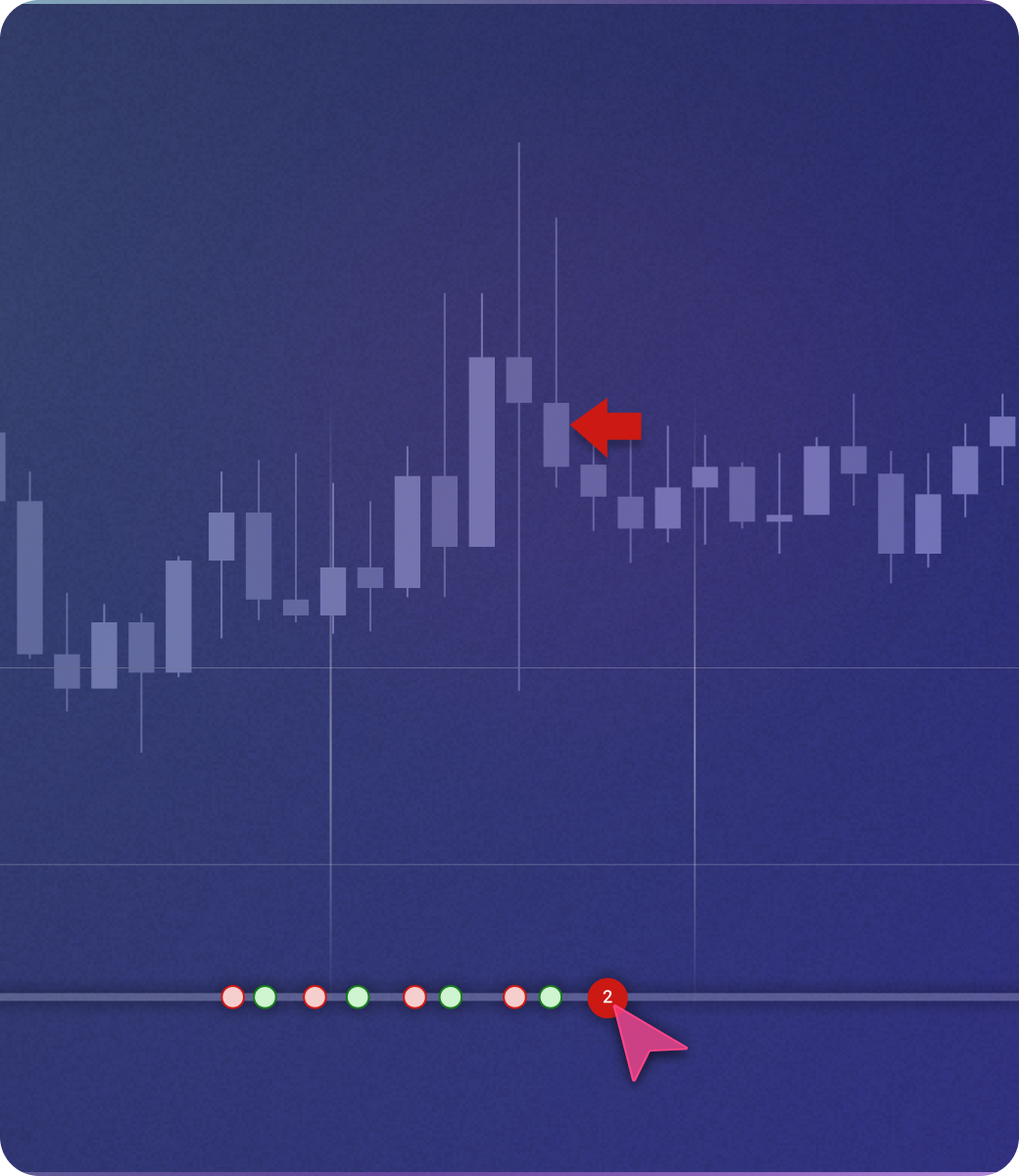
On TradeZella, every backtested trade logs automatically to your journal — with the same structure as your live trades: entry, exit, position size, P&L, timestamps, tags, and strategy. Because backtest and live trades share the same journal, you can ask Zella AI to compare your backtest patterns against your live execution. Zella AI also reviews each backtesting session automatically after it ends, surfacing patterns and flagging where results diverge from what you expected — without you needing to prompt it.
Zella AI.png)
TradingView is unmatched as a charting platform. If you trade with TradingView charts every day, the lowest-friction path to backtesting is the built-in Strategy Tester — you're already on the platform, and for systematic traders who can write or find Pine Script, it's genuinely powerful. The community library means you can often load a strategy someone else wrote, test it on your instrument, and see results in minutes. Where TradingView falls short is when you need backtesting to connect to something: a journal, a review process, a way to ask whether your live results match your backtest expectations.
TradeZella is built for discretionary traders — ICT traders, price action traders, prop firm traders — who want to validate their setups without learning a programming language. If your edge is pattern-based (FVG, liquidity sweeps, order blocks), manual replay is the most honest way to test it, because you're making real-time decisions rather than coding rules a computer executes. And if you want to scale that testing with automated runs across years of data, TradeZella's no-code engine lets you define your rules in plain English. The verdict: use TradingView for charting, use TradeZella for backtesting.
.png)
We built TradeZella, so we have a bias. Here's where TradingView is legitimately better — and when it might be the right choice.
Thousands of open-source Pine Script strategies, indicators, and backtesting templates built by TradingView's community of 50M+ users. You can often find someone who's already built exactly what you're testing and run it in minutes.
TradingView is where most traders already live. If charting quality, multi-timeframe layouts, and real-time data across all asset classes are your priority — including indices, ETFs, bonds, and global markets — TradingView has no equal.
TradingView's free plan covers basic strategy testing at no cost. Premium plans unlock 20+ years of historical data — deeper than TradeZella's 11+ years. If you need to test a swing strategy across multiple market cycles, TradingView has more runway.
Bottom line: if you chart on TradingView and can write Pine Script, you don't need to leave the platform to backtest basic systematic strategies. TradeZella becomes the better choice when you want no-code access, journal integration, or manual replay with live-like execution.
Select a strategy from the built-in library and test it instantly, or describe your own rules in plain English — the engine runs either across years of data. No Pine Script. No debugging. TradingView's library requires Pine Script to customize.
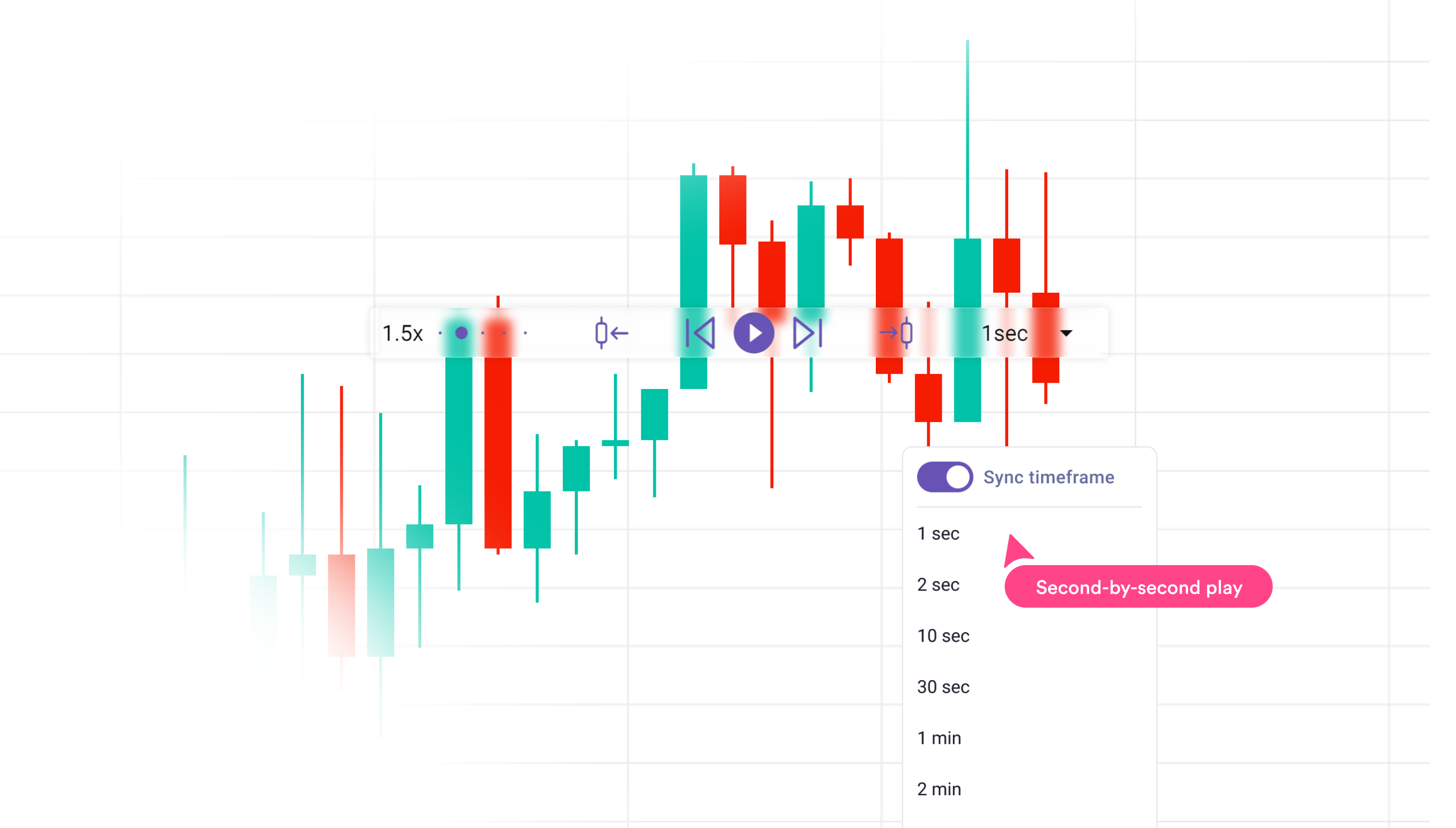
Replay historical data and place trades as if live — position sizing, stop/target on chart, full execution. Every trade auto-logs to your journal, and Zella AI reviews the session when it ends. TradingView's Replay supports order placement too, but results stay in the chart interface — no auto-journal, no AI session review.
.png)
After every backtesting session, Zella AI surfaces patterns, compares results against your live trading, and flags where your edge concentrates. On TradingView, results analysis is entirely manual.
Every backtested trade logs automatically alongside your live trades. You can compare backtest and live performance via Zella AI. TradingView results stay isolated — there's no journal connection on any plan.
For backtesting specifically, TradeZella wins — especially for discretionary traders who don't code. TradingView's Bar Replay does support order placement, and its Strategy Tester is genuinely powerful for Pine Script users. But it requires Pine Script for automated testing, has no journal integration on any plan, and replay results stay inside the TradingView interface with no AI analysis afterward. TradeZella requires no code for either mode, logs every result automatically to your journal, and has Zella AI reviewing sessions without prompting.
That said, TradingView is the better charting platform — and if you already chart there, keeping it as your charting tool while using TradeZella specifically for backtesting and journaling is a legitimate setup. Many traders use both: TradingView for chart analysis, TradeZella for backtesting, journaling, and AI-driven session review.
You're a discretionary trader who doesn't code. You want backtest results in your journal. You trade ICT or price action strategies. You need Zella AI to review your sessions automatically.
You already chart on TradingView and know Pine Script. You want access to the community strategy library. Budget is zero and you just need basic backtesting with no commitment.
→ Bottom line: Use TradingView for charting. Use TradeZella for backtesting — and for everything that happens after the backtest is done.
We created accounts on both platforms, ran backtests across multiple instruments (futures, forex, stocks), and timed the setup process from login to first result.
We tested automated backtesting, manual replay, results analysis, journal integration, and AI features on both platforms using identical strategy setups where possible.
Bias disclaimer: We built TradeZella, so we have an inherent bias. We've done our best to represent TradingView's strengths accurately — including where it genuinely wins. We verified all TradingView features and pricing directly before publishing.
Yes. TradingView has a built-in Strategy Tester that shows equity curve, trade list, win rate, profit factor, and max drawdown. The limitation is that building a custom strategy requires Pine Script — TradingView's scripting language. You can load open-source strategies from the community library without coding, but testing your own specific rules requires writing code. There's no journal integration on any TradingView plan.
For automated backtesting with your own rules, yes — Pine Script is required. TradingView's Bar Replay does support order placement (limit, stop, stop-limit orders), so it's a genuine backtesting simulation — but building and testing a systematic strategy still requires Pine Script's Strategy Tester. TradingView's community library has thousands of open-source strategies you can load and test without writing anything, but if your strategy is specific to your trading rules, you'll need to write (or pay someone to write) Pine Script. TradeZella removes this requirement entirely — both manual replay and automated backtesting are no-code, and results log to your journal automatically.
For discretionary traders who don't code, yes — TradeZella is significantly easier to use for backtesting. It requires no Pine Script for either manual replay or automated backtesting, logs every result to a trading journal automatically, and has Zella AI reviewing sessions without prompting. TradingView's Strategy Tester is more powerful for systematic traders who can write Pine Script and want access to a large community strategy library. If you can code, TradingView is a legitimate backtesting tool. If you can't, TradeZella is the most accessible option for no-code automated backtesting.
Yes, and many traders do. TradingView is the best charting platform available — using it for chart analysis, watchlists, and real-time data is entirely compatible with using TradeZella for backtesting, journaling, and AI-driven session review. You don't have to choose one over the other. The combination works well: TradingView for pre-market analysis and chart work, TradeZella for validating your setups and reviewing your performance.
TradingView has community-built ICT indicators in its public script library — Fair Value Gap, Asian Range, Power of 3, and similar concepts are available from third-party developers. The quality varies by script, and you need to find and evaluate them individually. TradeZella includes Fair Value Gap, Asian Session Range, HTF Bias, Key Levels, and Power of 3 natively — built in to the platform, available every time you open a chart, with no setup required. For ICT-based backtesting specifically, TradeZella removes the friction of sourcing and validating community scripts.
No. TradingView does not have a built-in trading journal, and backtest results from the Strategy Tester don't automatically export to any external journal. If you want to compare your TradingView backtest results against your live trading data, you'd need to manually export or screenshot the results and cross-reference them separately. TradeZella auto-logs every backtested trade to the same journal as your live trades, so comparing backtest and live performance is built into the workflow.
TradeZella gives you no-code automated backtesting, manual replay, automatic journal integration, and Zella AI analysis — all in one platform.
Start Backtesting →