
We compare Notion — a flexible workspace app traders repurpose for journaling — against TradeZella, an AI Trading Journal, to help you decide when Notion is enough and when dedicated software actually changes your results.
With Notion, you do all the work — building templates, entering every trade by hand, maintaining formulas. With TradeZella, an AI Trading Journal, the work is done for you: trades import from 500+ brokers, Zella AI tags and reviews sessions automatically, and patterns surface without prompting. Notion makes sense if you take fewer than 5 trades per week and primarily want one workspace for notes and planning. Past that, the manual burden compounds fast — traders typically migrate to a dedicated journal within 2–3 months.
| Feature | TradeZella | Notion |
|---|---|---|
| Starting Price | $29/mo (Essential) | Free / $10/mo (Plus) / +$10/mo for Notion AI |
| Broker Auto-Sync | 500+ (automatic) | None — manual entry only |
| AI Features | Zella AI — all plans (trading-specific) | Notion AI — general writing assistant (+$10/mo) |
| Trade Replay | Yes (Premium) | No |
| Backtesting | Unlimited (all plans) | No |
| Free Plan | No | Yes (limited blocks) |
| Best For | Automated AI trading journal | All-in-one personal workspace |
The most fundamental difference between Notion and a dedicated trading journal is data entry. With Notion, every trade you take needs to be manually typed or pasted into a database — entry price, exit price, position size, setup, result. That's 5–10 fields per trade, per day, every day you trade.
TradeZella connects to 500+ brokers and imports every trade automatically the moment your session ends. Nothing to enter. Nothing to maintain. Your journal is always current without any manual work — which means you'll actually use it.
When journaling requires work, most traders stop doing it. Auto-sync removes that friction entirely.
See all supported brokers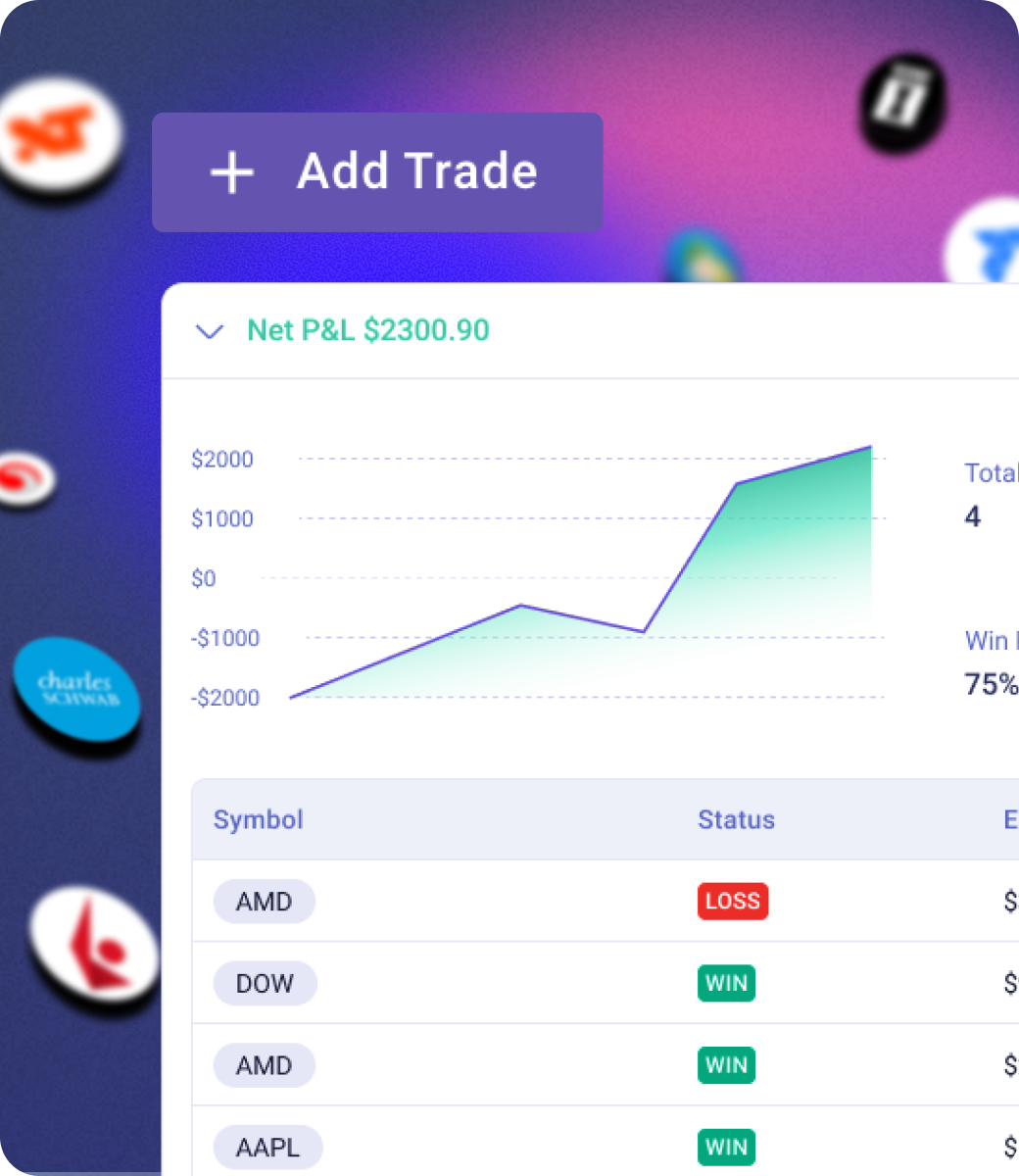
Notion AI is a general-purpose writing assistant — it can summarize text, generate content, and help you draft notes. It has no access to your trade data, no understanding of trading concepts, and no ability to detect behavioral patterns across your history.
Zella AI is TradeZella's AI Trading Partner, built specifically for traders. It reads every trade you take, your strategy rules, your journal entries, and your performance data — then surfaces the patterns that are hurting your P&L. Four automated agents run in the background without prompting: Market Sentiment Briefing primes your session each morning, Auto-Tagger categorizes every imported trade, Session Review writes your end-of-day recap automatically, and Automated Backtesting validates your strategies — with more agents on the way.
You can also chat with Zella AI directly: ask what's causing your drawdowns, what setups are working, or what your risk management looks like this month. Zella AI uses 500–1,000 credits per month depending on your plan. You get a First Import Analysis when you sign up, then weekly and monthly AI Insights reports automatically.
Explore Zella AI.png)
Notion has no trade replay and no backtesting engine. It's a document and database tool — it stores information you give it, but it can't replay how a trade unfolded or test a strategy against historical data.
TradeZella includes tick-by-tick trade replay on Premium plans — you can watch every second of a trade back, see your entry and exit points on the actual price action, and identify exactly where your execution broke down. Unlimited backtesting on all plans lets you validate any setup against 11+ years of historical data before risking real capital.
These are the tools that turn a passive journal into an active improvement system. Notion doesn't have them and can't replicate them.
See trade replay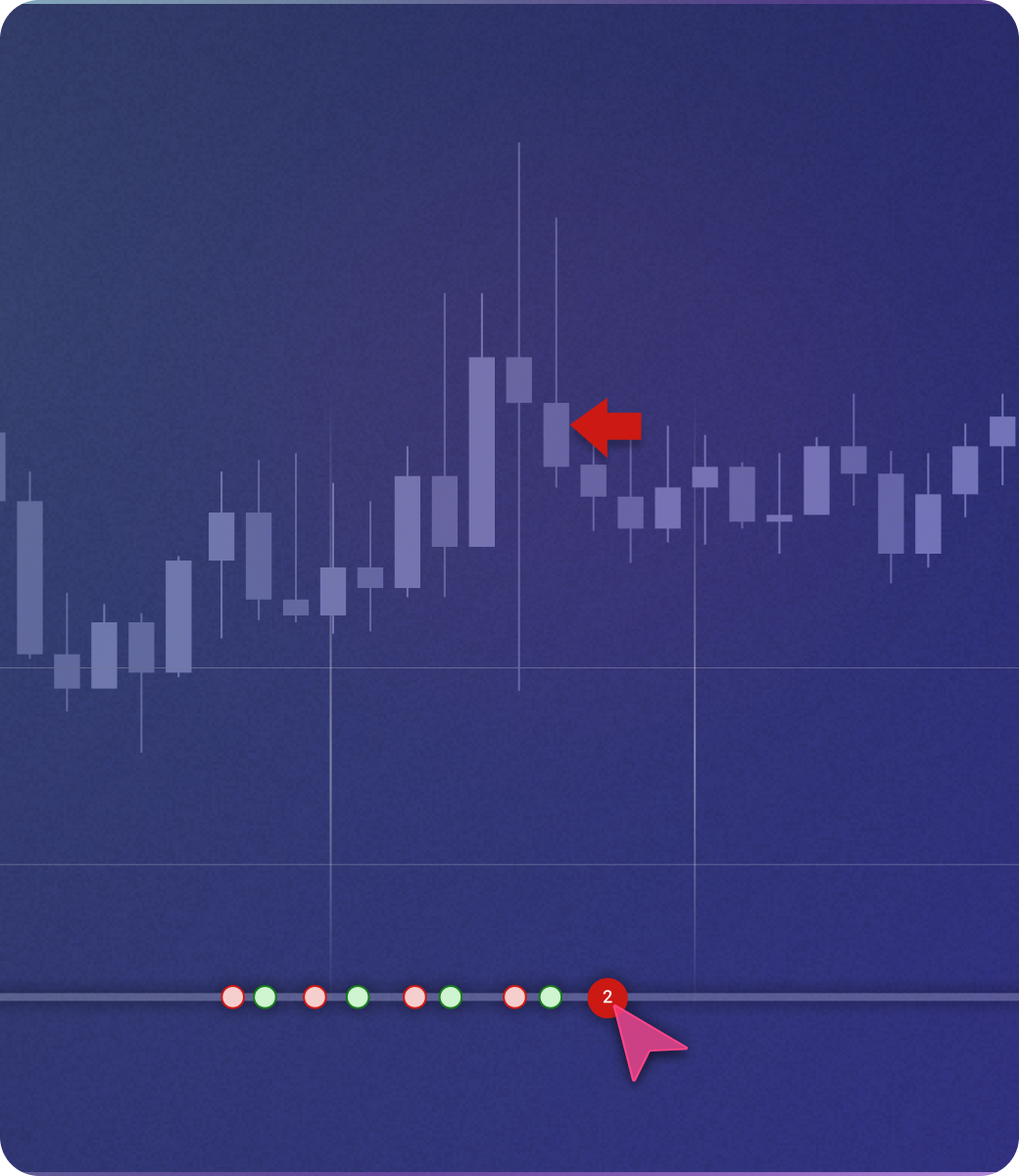
Building a Notion trading journal takes real time upfront — creating databases, designing views, setting up formulas for win rate, P&L, risk-reward, and drawdown. Most traders spend hours getting the template right before they've logged a single trade. One broken formula can corrupt your entire P&L history.
Then comes ongoing maintenance: entering every trade by hand, fixing formulas when they break, building new views when you want a different angle. A trader taking 5 trades per day spends over an hour per week on manual data entry alone — before analysis even starts. Most traders who start with Notion end up migrating to dedicated software within 2–3 months when the maintenance burden outweighs the benefit.
TradeZella requires none of that. Connect your broker once — setup takes minutes — and the journal maintains itself. Prop firm traders get dedicated Prop Firm Sync to track drawdown limits and challenge progress in real time. Notion formulas for trailing drawdown break; a missed limit blows an evaluation.
See how TradeZella works instead
Notion's free plan covers basic journaling. Plus is $10/month; Notion AI adds $10/month on top. TradeZella starts at $29/month with Zella AI, 500+ broker auto-sync, and unlimited backtesting included. If you're already paying for Notion AI, the gap between the two is $9/month — and TradeZella's AI is built for trading data, not general writing.
AI Trading Journal
General workspace app
Notion has real advantages worth acknowledging.
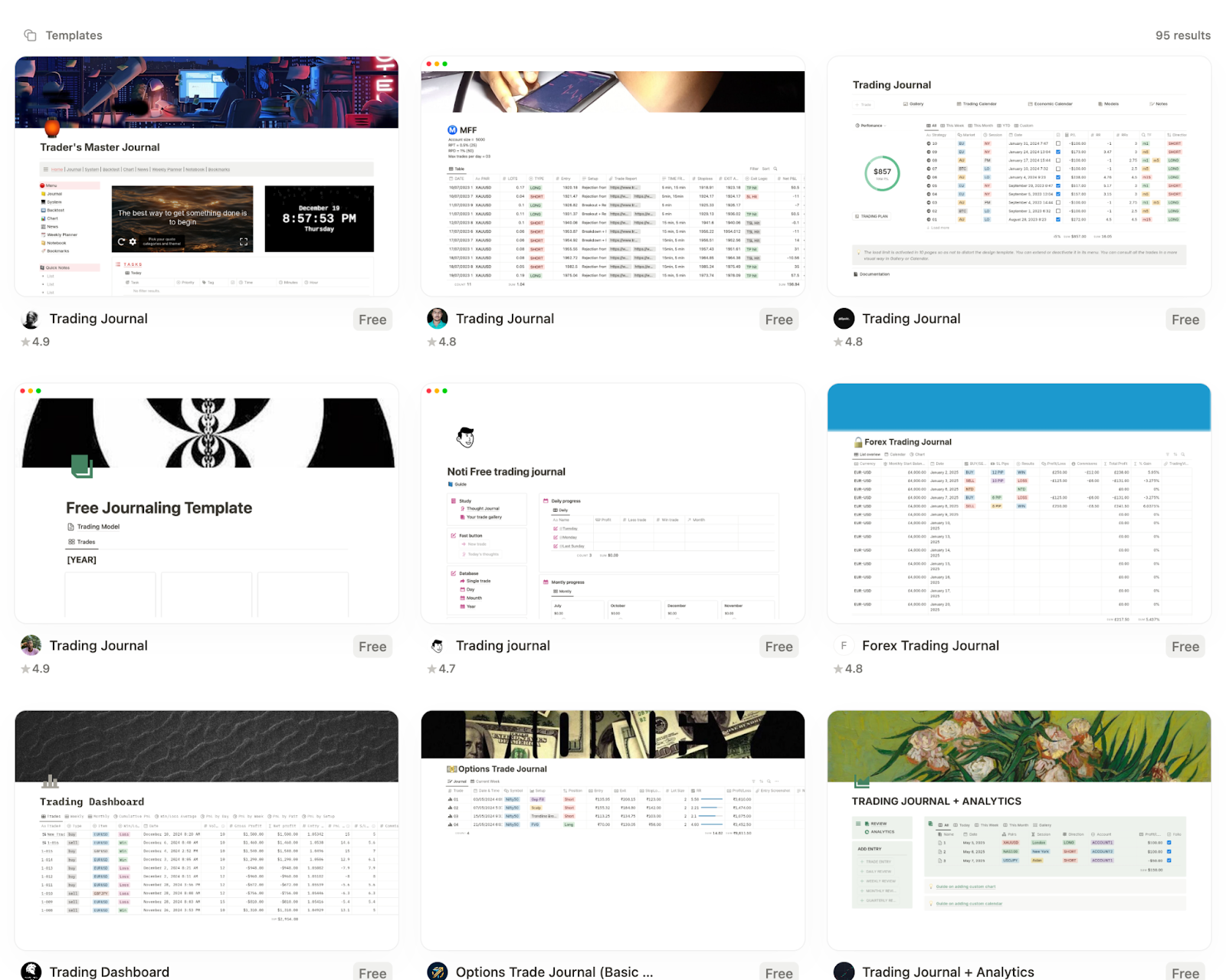
Notion template gallery — 95+ trading journal templates
If your trading journal is one piece of a larger Notion system — goals, notes, research, business tasks — keeping it in Notion means everything is in one place. Switching to a dedicated tool means managing two systems.
Notion's free plan is genuinely usable for a basic trading log. If you're just starting to journal and want zero cost, Notion lets you start immediately with no commitment.
Notion gives you complete control over how your journal looks, what fields you track, and how data is organized. Traders who want a custom system built exactly to their preferences can do that in Notion.
Notion's document-style pages are excellent for free-form pre-market notes, post-session reflections, and strategy documentation. The writing experience is better than most dedicated trading journals.
.png)
Zella AI is TradeZella's AI Trading Partner — it reads your trades, rules, and journal, then gives you analysis in plain English from anywhere in the app. Chat to analyze performance, refine strategies, or review a session. Four agents run automatically: Market Sentiment Briefing, Auto-Tagger, Session Review, and Automated Backtesting — with more on the way. AI Insights delivers a First Import Analysis plus weekly and monthly reports. Notion AI is a writing assistant — it has no access to your trade data and cannot detect patterns.
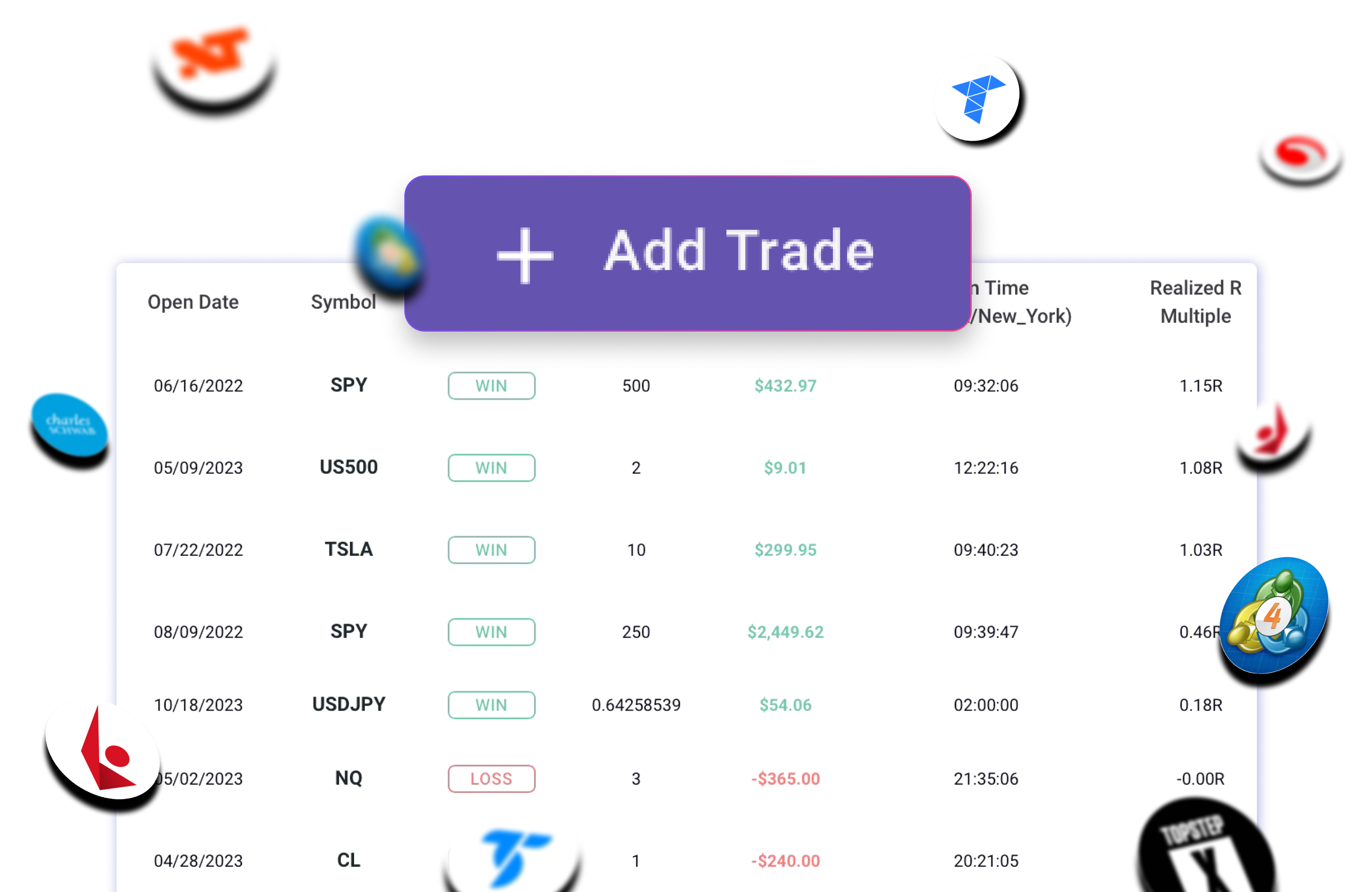
Connect your broker once and every trade imports automatically — no CSV exports, no manual entry, no copy-paste. Notion has no broker connections at any tier — every trade must be entered by hand. TradeZella supports 500+ brokers including futures, forex, equities, and prop firm platforms.
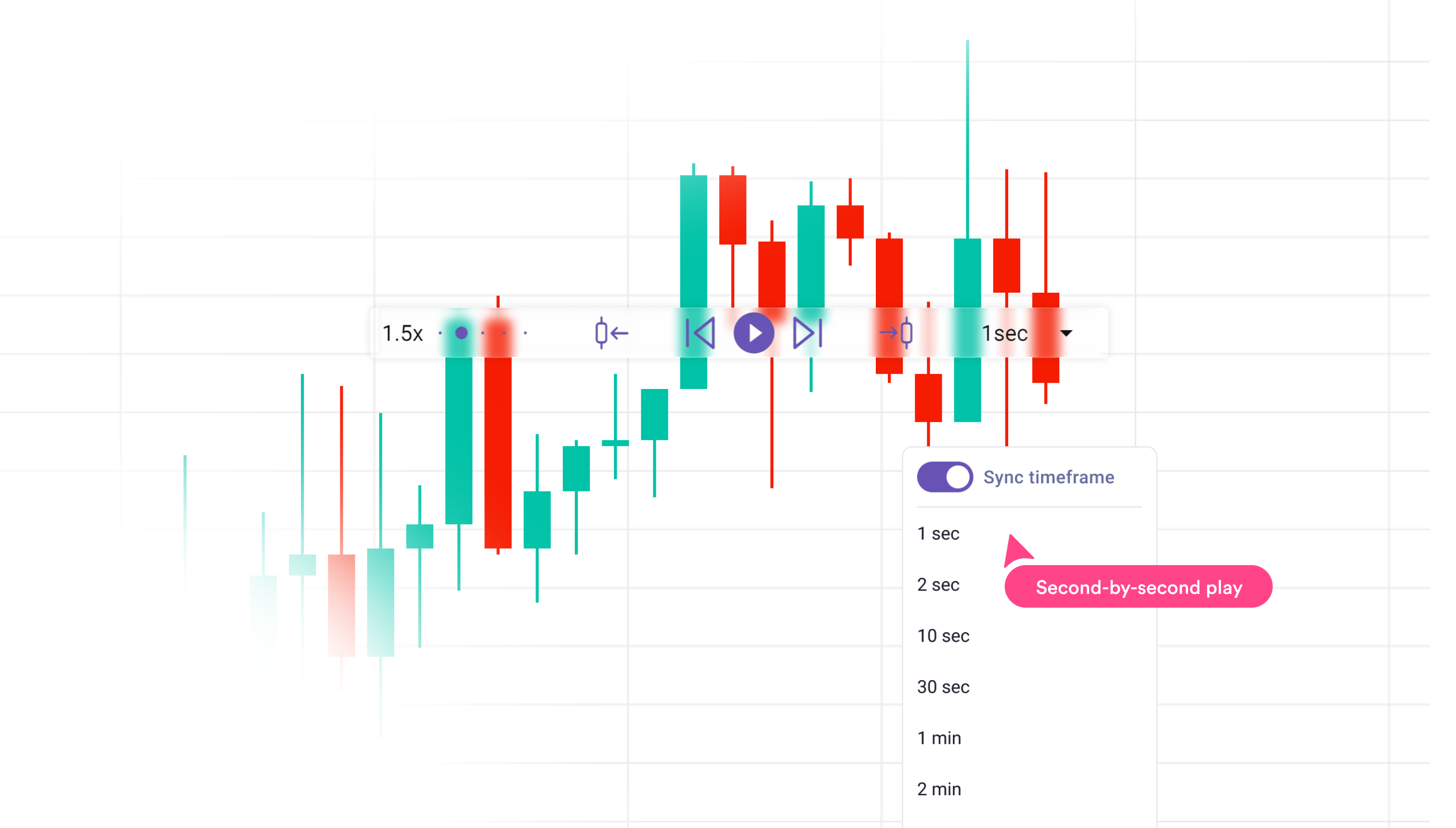
Replay every trade tick-by-tick to see exactly what happened — your entry, your exit, the price action you missed. Notion has no charting capability. The only way to visualize a trade in Notion is to screenshot your broker, crop the image, and upload it manually — for every trade, every session. TradeZella plots entries and exits on real charts automatically. Trade Replay is included on Premium plans.
.png)
Test any strategy against 11+ years of historical data before risking real capital. TradeZella's backtesting engine validates setups, calculates win rate and expectancy, and shows exactly where a strategy breaks down — on all plans. Notion has no backtesting capability at any tier.
Notion is a great general-purpose workspace, but it is not an AI Trading Journal. As a trading journal, it requires you to build and maintain a system that dedicated platforms handle automatically. If you're spending time entering trades and maintaining formulas instead of analyzing your performance, the tool is working against you.
TradeZella was built specifically for traders — it handles the data work so you can focus on the analysis. If improving your trading is the goal, a purpose-built journal will get you there faster than a blank canvas. See where Notion templates break down →
Our recommendation: If your trading journal is part of a larger Notion workspace you already live in, staying in Notion is reasonable. For traders who want their journal to actively improve their performance — with automated data capture, AI-driven insights, and replay tools — TradeZella is the stronger choice.
We set up both workflows with the same set of test trades across futures, equities, and options. For Notion we measured setup time, manual entry friction, and how long it takes to get from raw trade data to a usable insight. For TradeZella we measured broker connection time and time-to-first-AI-insight.
All prices reflect publicly listed rates as of June 2026. We note which tier unlocks each feature rather than listing base pricing and implying everything is included.
Each platform was graded on six criteria that predict whether a trading journal will actually make you a better trader:
Full transparency: We built TradeZella because we couldn't find a single platform that combined broker auto-sync, always-on AI, and trade replay. That makes us experts on what TradeZella does well — and honest about where it falls short. We've done our best to represent Notion accurately. If TradeZella isn't the right fit for your trading style, we'd rather you know that upfront.
TradeZella imports your trades automatically, analyzes every entry with Zella AI, and gives you the replay and backtesting tools that Notion can't replicate.
Get Started with TradeZella