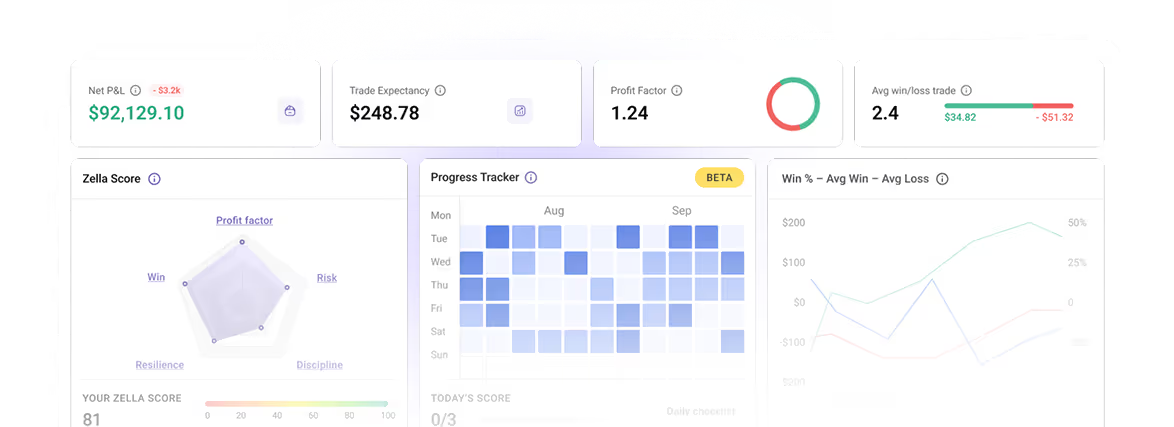
Your Students' Data at Your Fingertips

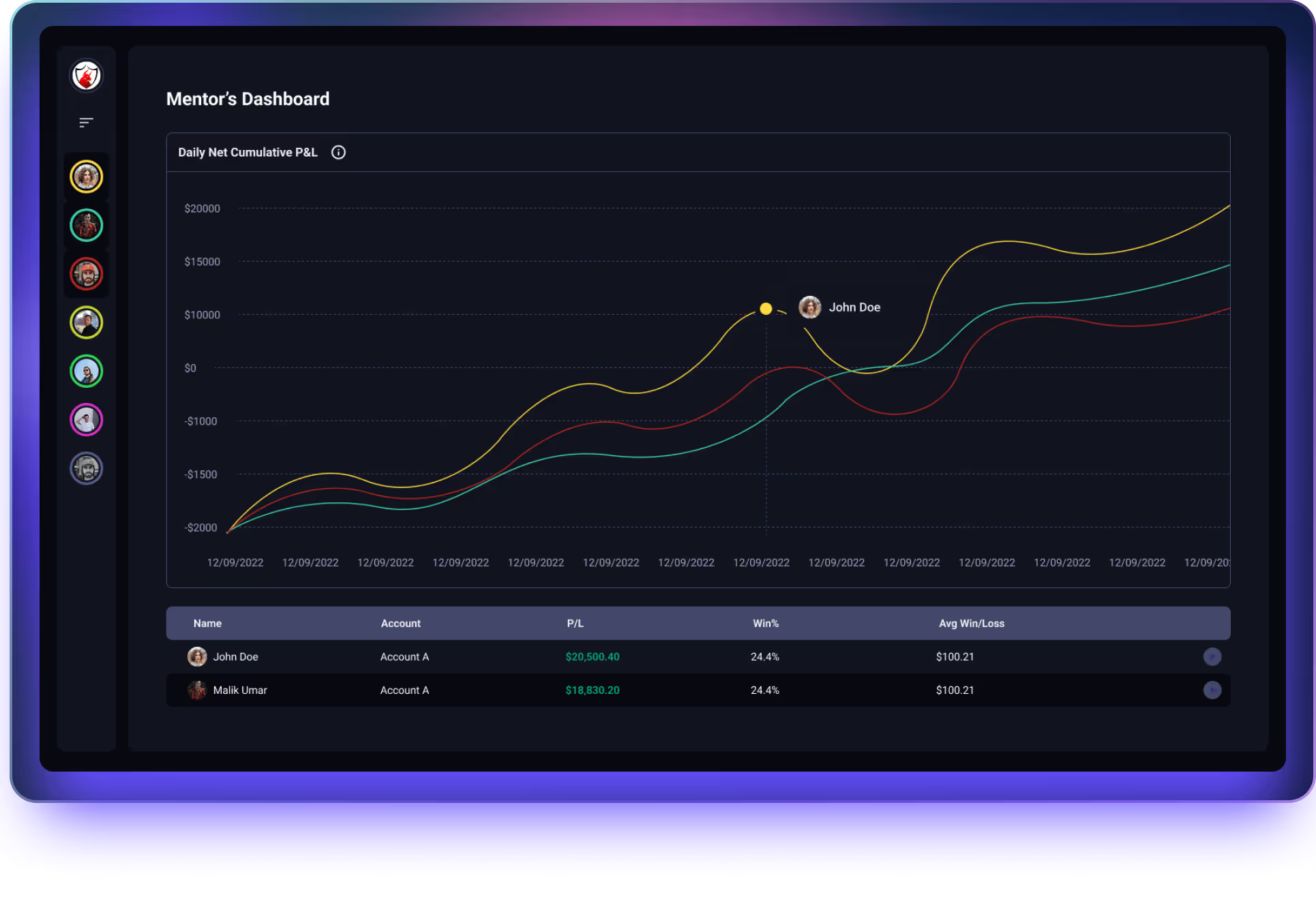
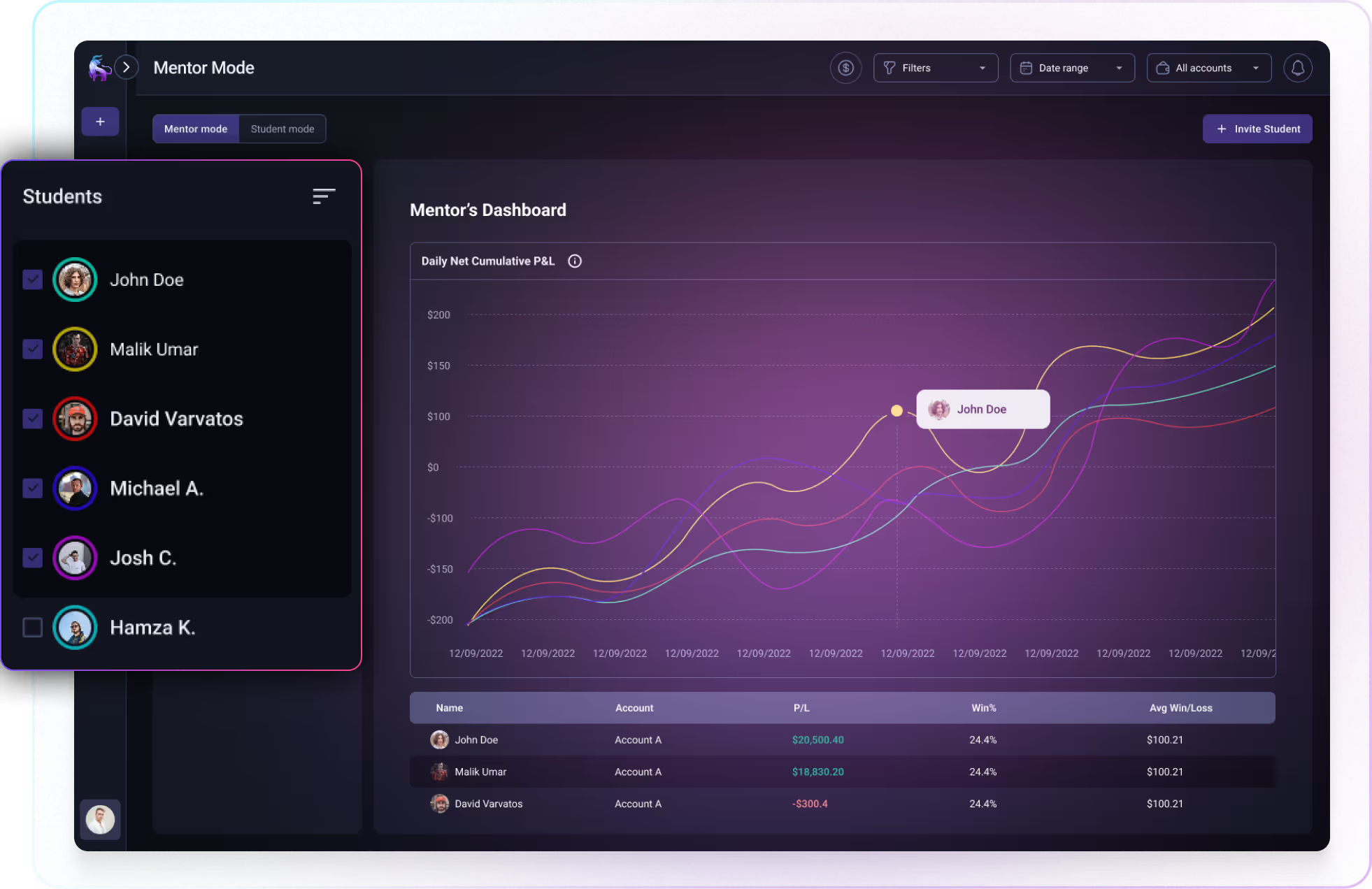
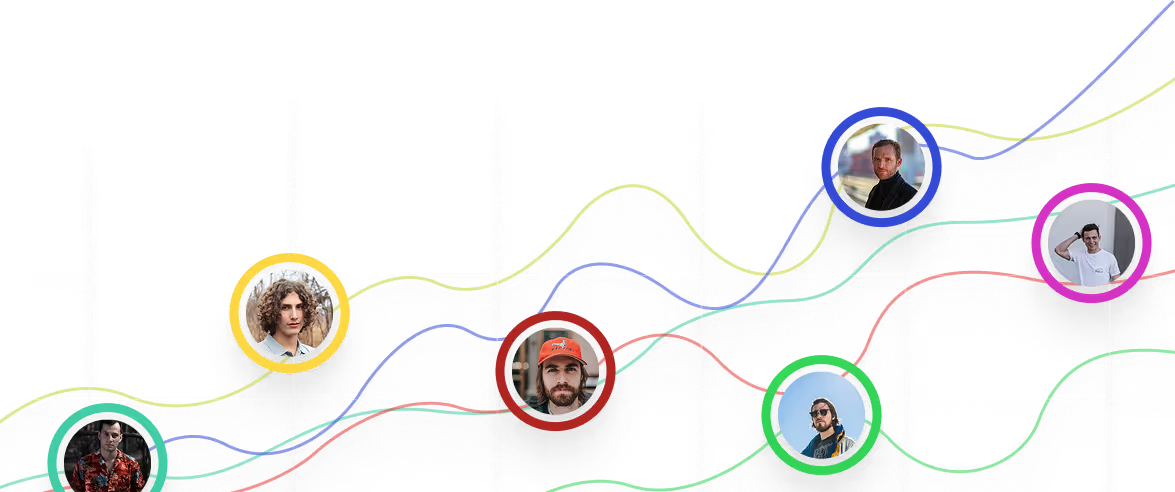
Mentor Mode gives you real-time visibility into every student's performance. Monitor, compare, and provide targeted feedback from one master dashboard.
THE PROBLEM

Mentorship without Visibility is Guesswork

You can't coach what you can't see. Without real data, you're relying on what students tell you, and not what's actually happening in their accounts.

No Visibility

Mentors rely on screenshots, self-reporting, and vague updates.

Reactive, Not Proactive

You find out about problems after they've already caused damage.

Zero Accountability

Without structure, traders drift. They stop journaling. They break rules. You lose leverage to help them improve.

Manual Tracking

Managing 10+ traders means spreadsheets, DMs, and endless check-ins. More time chasing updates than coaching.
GETTING STARTED

3 Steps to Data-Driven Mentoring

Mentor Mode doesn't add complexity to your coaching—it removes guesswork. Invite students in minutes. Access their data instantly. Provide feedback that actually moves the needle.

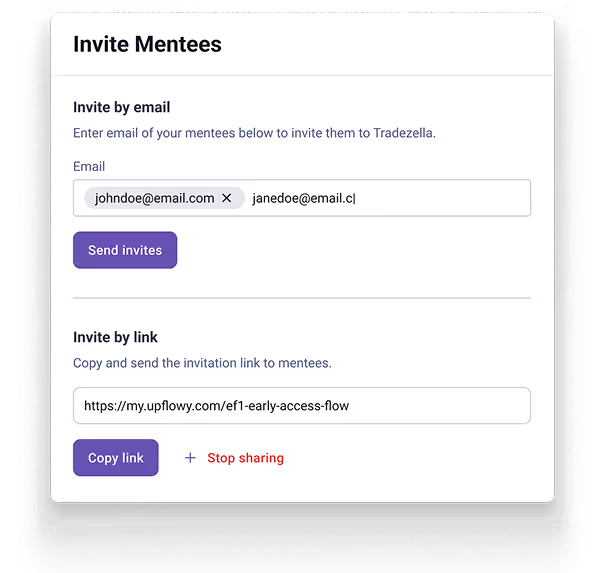
Invite

Send an invite as a shareable link. Students receive a request they can accept or decline.

Access

Students’ performance shows up on your Mentor Dashboard. 
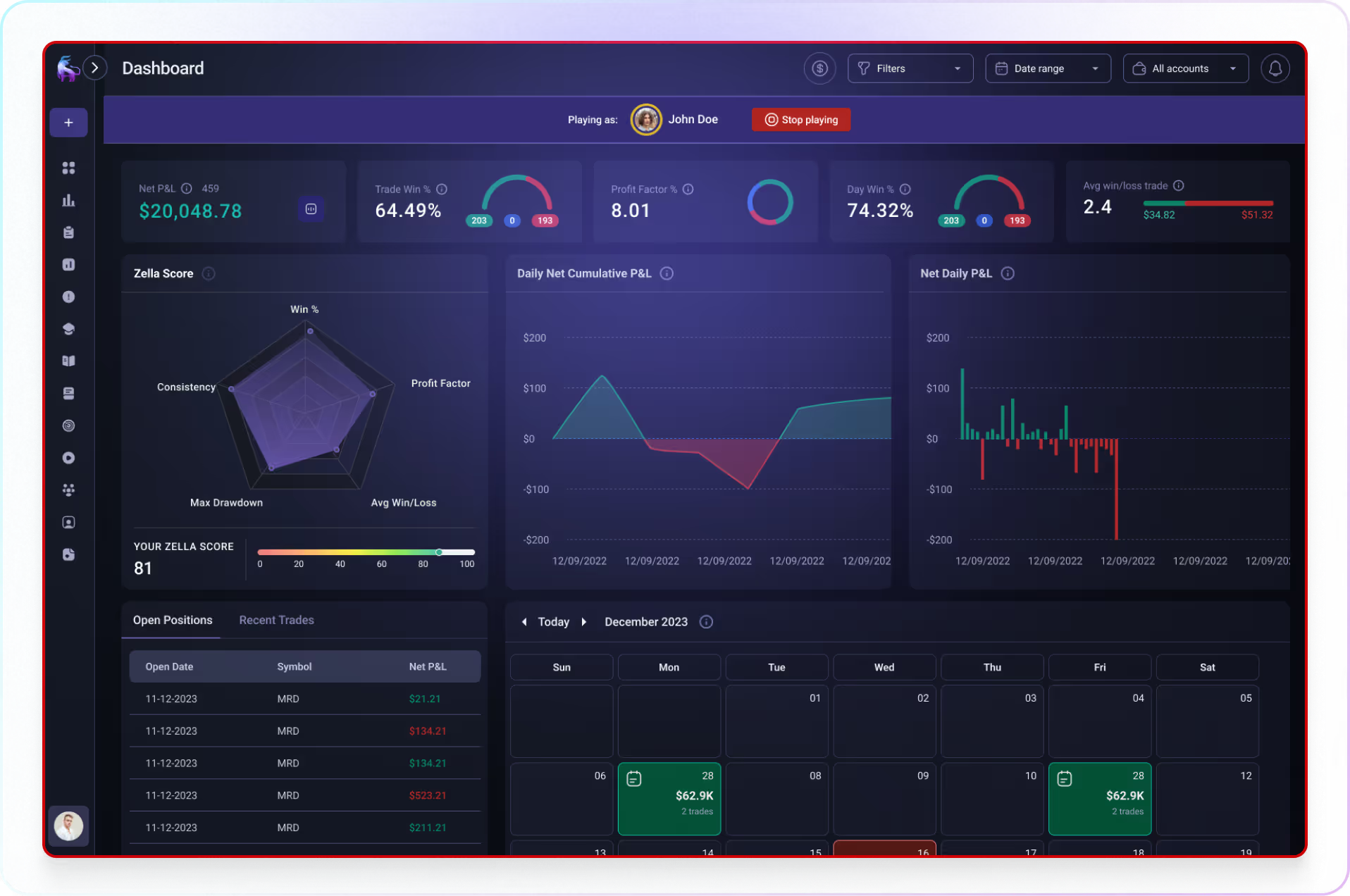
Click “Play” to enter a view-only access of their account.

Review & Feedback

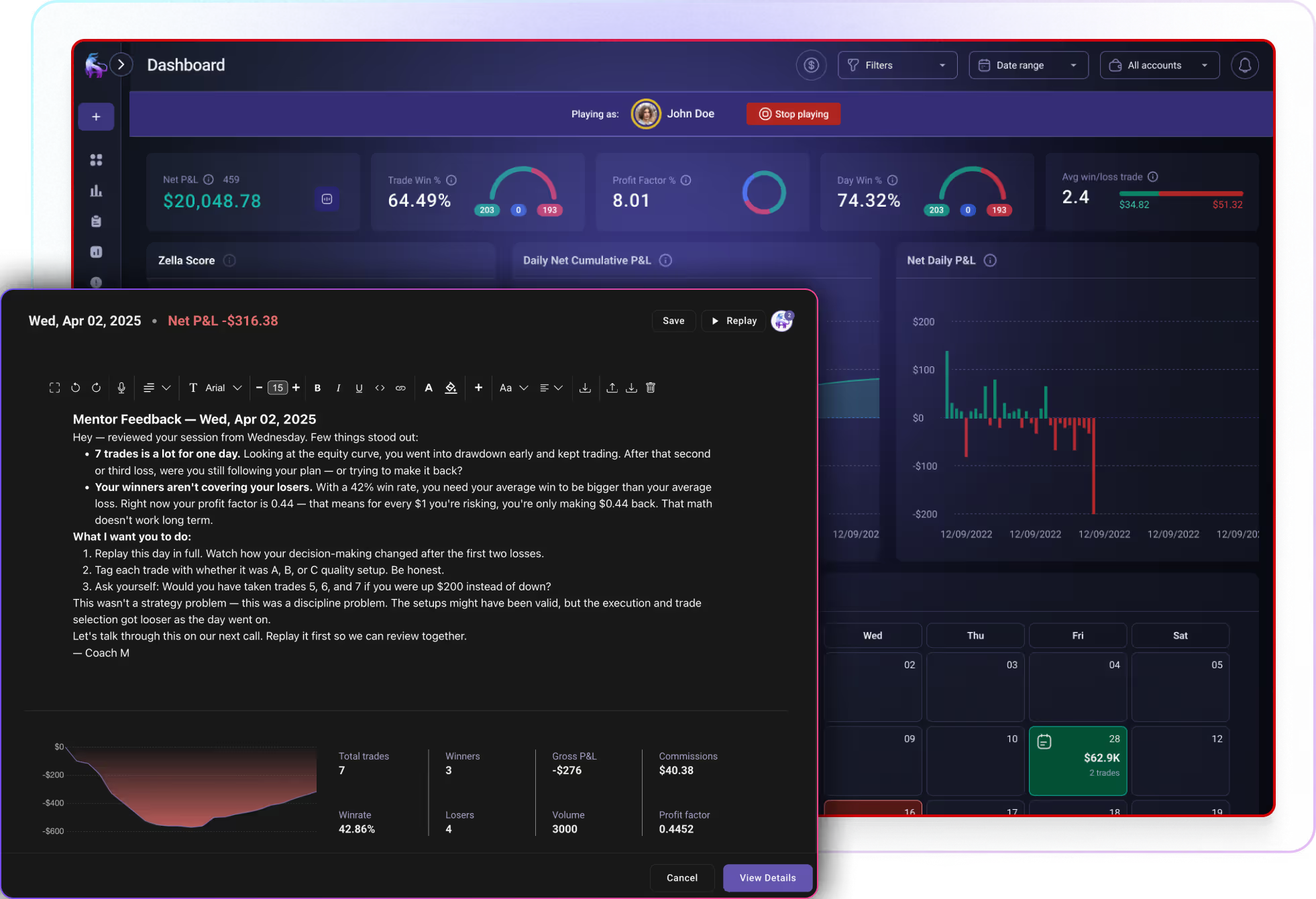
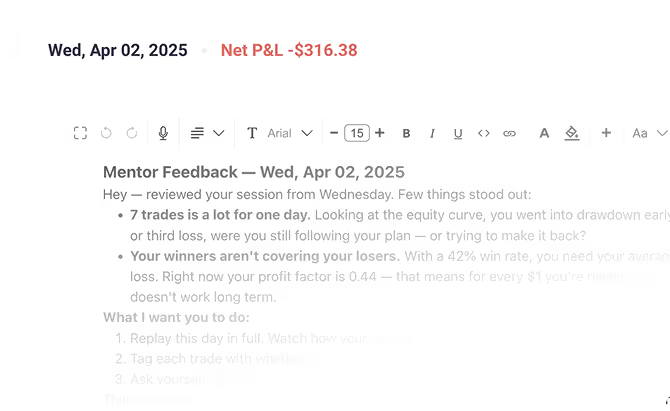
Review trades, leave comments, and provide targeted feedback exactly where it matters most.
WHAT'S INSIDE

Everything You Need to Coach Traders at Scale

From invite to feedback, Mentor Mode gives you full control over your coaching program—without the manual work.
Full control over your mentorship list.

Remove students, or cancel pending invitations instantly with one click. No complicated process.

Unlimited Student Capacity

No limits on how many students you can invite. Manage 5 students or 500. Scale your coaching program without hitting artificial caps or paying per seat.

Quick Student Invite

Type in your student's email or create a shareable link for easier onboarding.

Student Privacy Controls

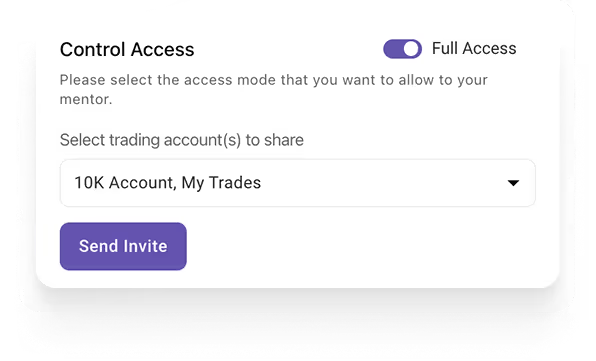
Students choose which accounts to share with you.

Leave feedback

Comment directly on journal entries or create Notebook Folders for organized coaching.

Historical Data Access

Review a student's complete trading history from the day they joined. Track long-term improvement over weeks, months, or years.
FOR EVERY MENTOR

Who is Mentor Mode For?

Whether you're coaching 1 trader or 100, running cohorts or offering private mentorship, Mentor Mode scales with your teaching style. Built for educators who refuse to coach blind.

Trading Educators

Manage cohorts of students. Monitor class-wide performance. Identify who’s thriving and who needs extra suport.

1-on-1 Coaching

Deep dive into a single trader’s account. Review every trade with full context. Build real accountability with real data.

Trading Groups

Track your entire community’s performance from one dashboard. Compare results. Foster accountability and transparency.

Build Trust and Credibility

Using a real platform signals you're serious. Students trust mentors who track data. This professionalism sets you apart.

Give Feedback That Sticks

Comments live inside their journal, right next to the trade. No more lost Discord messages.
Multi-account prop firm tracking icon

Scale Without Burning Out

Whether you have 5 students or 500, Mentor Mode keeps everything organized in one place.

Got questions?

What is Mentor Mode?

Mentor Mode lets trading coaches monitor students' actual performance—not screenshots, but real data from synced broker accounts. Mentors can view dashboards, trade logs, and reports, then leave feedback directly on specific trades.

How do I invite students or connect with a mentor?

Mentors can invite students via email or shareable link. Students can invite mentors the same way, or accept incoming requests from their dashboard. Both parties need active TradeZella subscriptions.

Can students control what data their mentor sees?

Yes. Students choose which accounts to share, control the level of access, and can revoke a mentor's access anytime with one click.

How many students can a mentor track?

Unlimited. Compare up to 5 students simultaneously on one P&L chart, or click into any student's full account for deeper review.

Can my mentor see my full TradeZella account?

Yes. Mentors get view-only access to your Dashboard, Trade Log, Notebook, strategies, and Reports—everything needed to review your performance and provide targeted feedback on specific trades.

Can mentors leave feedback directly on trades?

Yes. Mentors comment directly on journal entries so feedback is attached to the specific trade—no more lost Discord messages or vague advice.

Is Mentor Mode included in all TradeZella plans?

Mentor Mode is available on all paid plans with no per-seat fees. Both mentor and student need active subscriptions to connect.

More questions? Reach out to us here.

Ready to become a profitable trader?

The one tool that lets you do everything you need to improve your trading strategy.