
Real Trading Accountability Made Easy





Learning Alone is Hard Mode

No One's Really Watching
Vague Check-Ins Don't Help
You Can't See Your Patterns
Get Real Accountability With Real Data
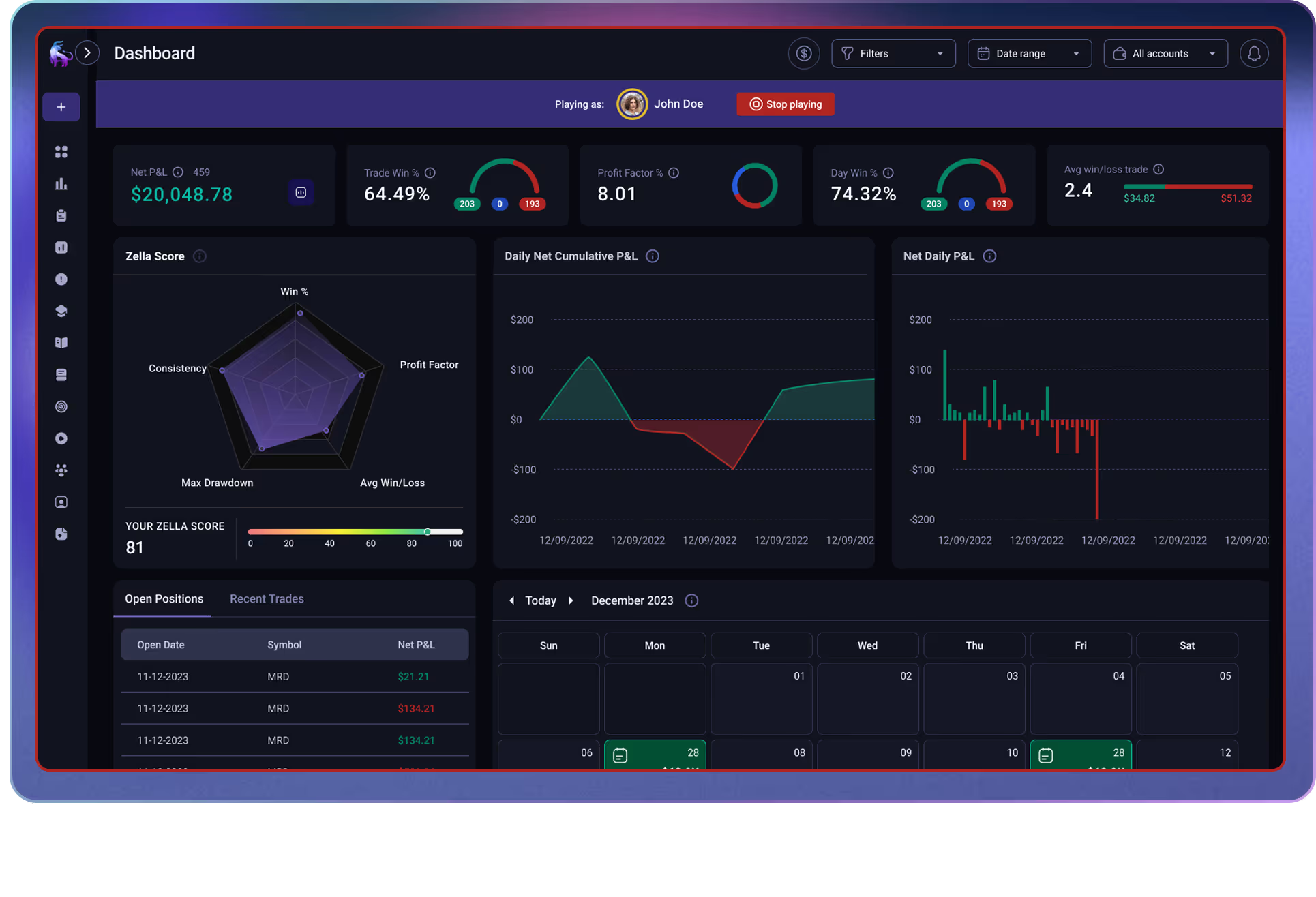
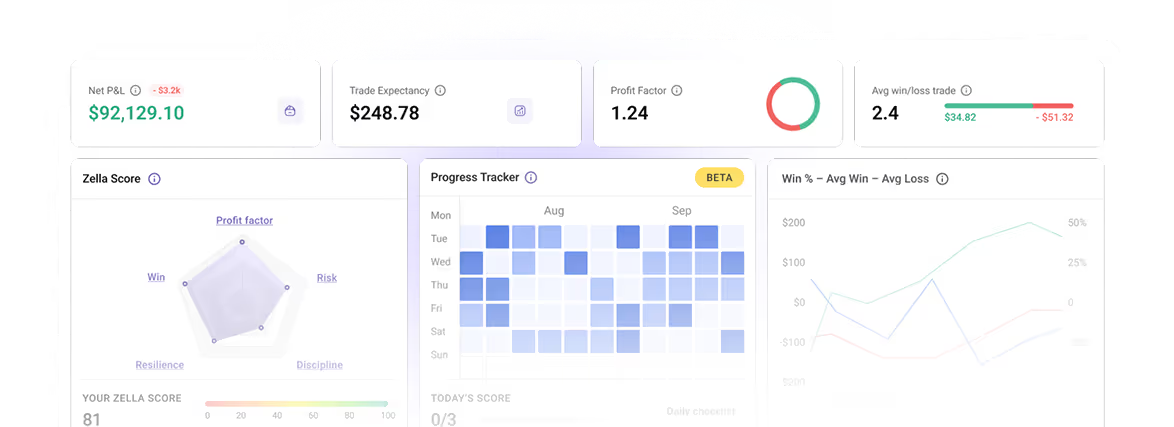
Share your account with your mentor. They monitor your performance, catch patterns you miss, and provide feedback on actual trades—not vague check-ins based on screenshots.
They See Your Real Data
.avif)
Feedback Where It Matters
.avif)
They Catch What You Miss
.avif)
Three Steps to Real Accountability

Invite or Get Invited
.svg)
Share What You Want
.svg)
Trade & Get Feedback
Stay Accountable.
Get Better Faster.
Mentor Mode gives you real oversight and targeted feedback—exactly what serious students need to stop spinning their wheels and start improving consistently.
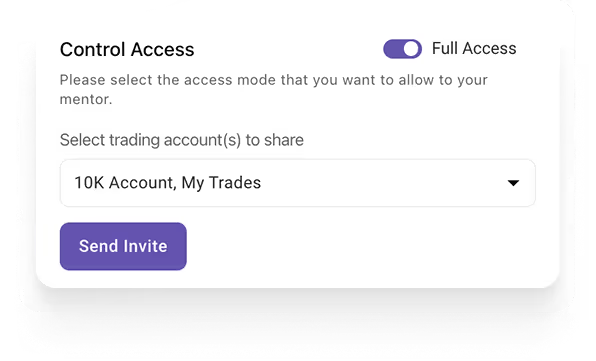
You Control Your Privacy
Get Feedback on Actual Trades

You Don't Have to Figure It Out Alone

Someone Catches Your Blind Spots
Real Accountability
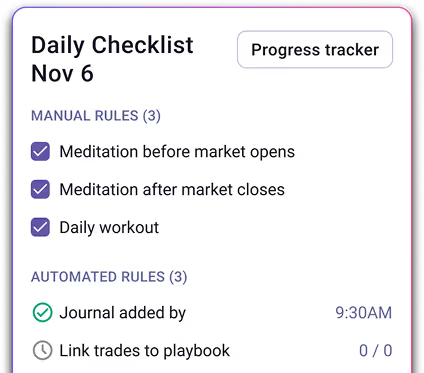
Your Full Journey, Tracked
Mentor Mode is Perfect For You

Course Student

1-on-1 Coaching

Trading Groups

Stop Guessing, Start Knowing

Get Feedback That Actually Helps

Break Bad Habits Faster
Got questions?

Mentor Mode lets trading coaches monitor students' actual performance—not screenshots, but real data from synced broker accounts. Mentors can view dashboards, trade logs, and reports, then leave feedback directly on specific trades.
Mentors can invite students via email or shareable link. Students can invite mentors the same way, or accept incoming requests from their dashboard. Both parties need active TradeZella subscriptions.
Yes. Students choose which accounts to share, control the level of access, and can revoke a mentor's access anytime with one click.
Unlimited. Compare up to 5 students simultaneously on one P&L chart, or click into any student's full account for deeper review.
Yes. Mentors get view-only access to your Dashboard, Trade Log, Notebook, strategies, and Reports—everything needed to review your performance and provide targeted feedback on specific trades.
Yes. Mentors comment directly on journal entries so feedback is attached to the specific trade—no more lost Discord messages or vague advice.
Mentor Mode is available on all paid plans with no per-seat fees. Both mentor and student need active subscriptions to connect.
Ready to become a profitable trader?
